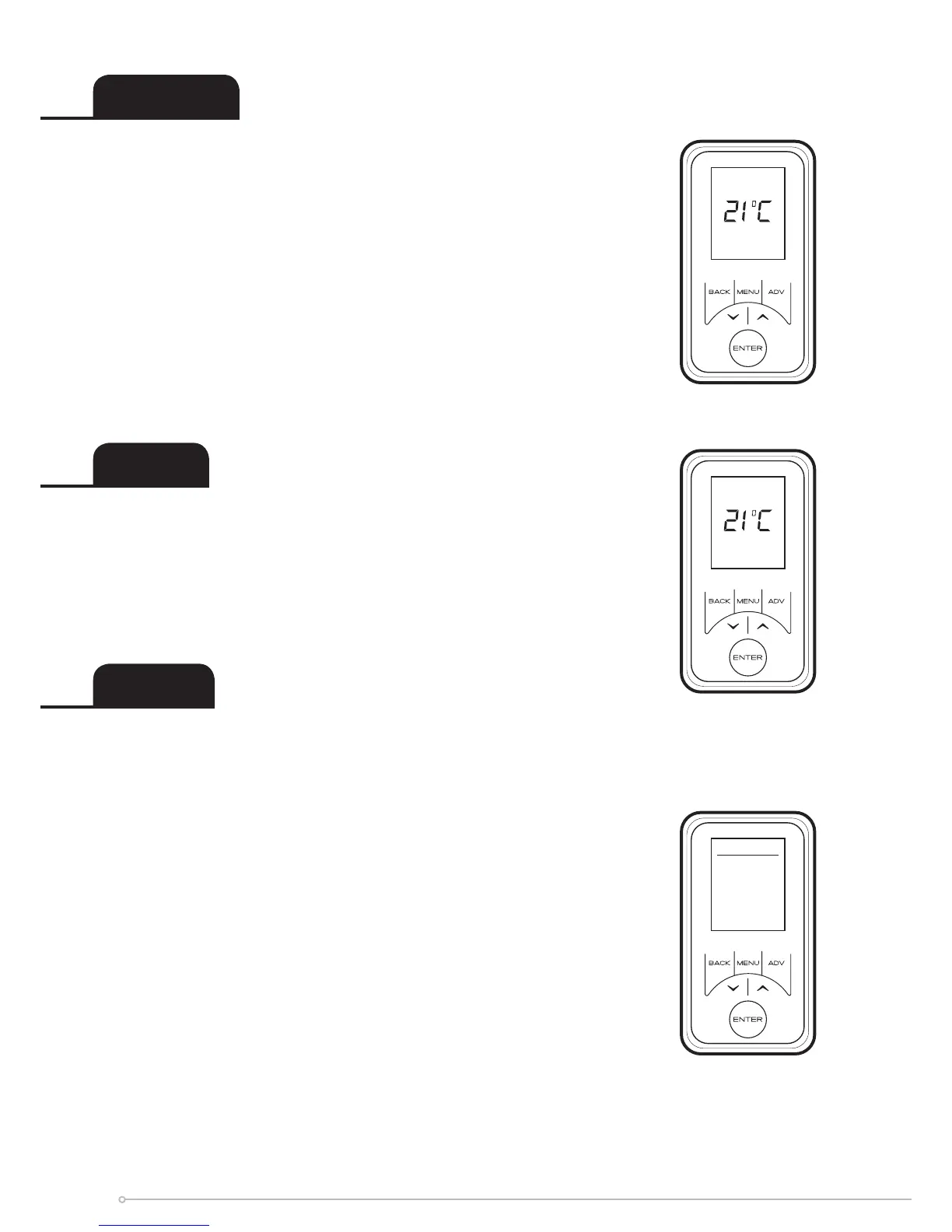
The Options menu allows the settings to be modied to suit the
user’s preferences. These are;
DST Rule - Select your daylight saving setting. The heater
clock will automatically adjust for daylight saving (British
Summer Time as it is often referred to). If no adjustment is
required then select none.
Auto Lock - Enable or disable the auto lock feature. This
feature locks the interface if left inactive for longer than one
minute. To unlock the heater, press and hold Back and Enter for
two seconds.
Sound - Audio feedback can be enabled or disabled.
Service Info - Service information is displayed.
Temp Units - Choose whether your unit displays degrees centigrade
or Fahrenheit.
Advance
Boost
Options
Home All Day
Comfort On
Advance
Comfort On
Advance 1hr
DST Rule
Auto Lock
Sound
Service Info
Temp Units
Options
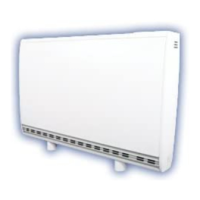
The Advance function allows the heating prole of the heater to be
changed temporarily. When a timer has been selected, the Advance
function is used to begin the next Comfort On mode early. If the
heater is in Comfort O mode and heat is required, press the
Advance button.
If the heater is in Comfort On and heat is not required, press the
Advance button and the heater will turn o until the beginning of
the next Comfort On period. If the heater is in Manual, Eco Mode
or Frost Protect and pressing the Advance button will switch o
the heater. The heater will remain o until the Advance button is
pressed again.
The Advance button is also used to enter the Boost mode which
provides temporary heating for one, two, three or four hours. Press
the Advance button twice to begin a one hour boost. Continue
pressing the Advance button to set longer boost period.
14


 To Next Page