Child Lock
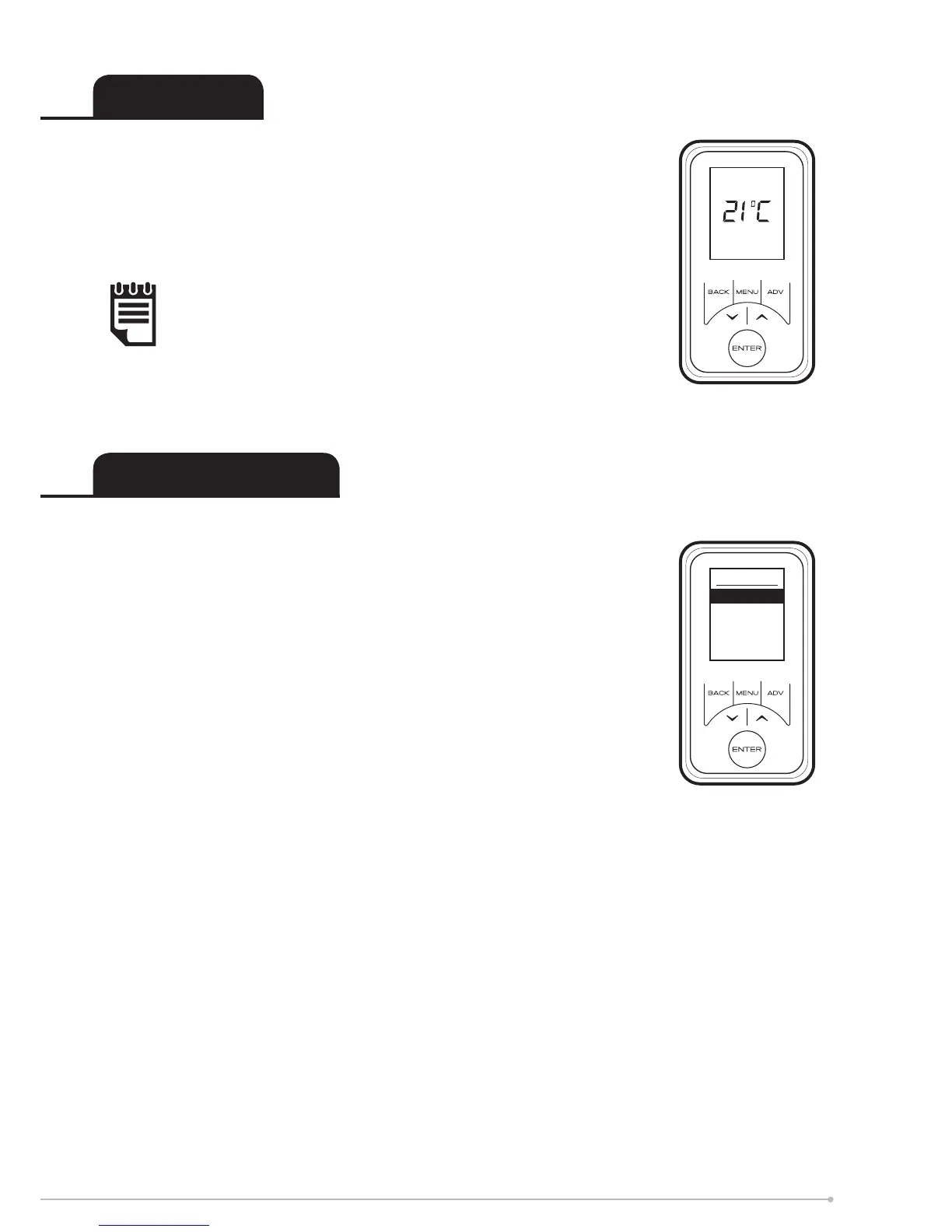
To lock the controls press Back and Enter for three seconds.
Child Lock will appear at the bottom of the screen. To unlock the
control repeat the action of pressing Back and Enter for three
seconds.
User Information
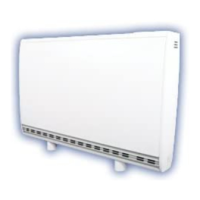
Press and hold Enter for ve seconds to display the User
Information menu;
SP Range allows adjustment of the maximum temperature range.
Open Window detection (OW), when enabled, the heater will reduce
the target room temperature to limit the energy waste when an open
window is detected. Enabled as default.
Bluetooth - allows the Bluetooth pairing function to be enable
or disable.
EcoStart (ES) - to achieve the desired temperature at the onset
of the timed Comfort On period the appliance anticipates when it
needs to start heating prior to the onset of the timed on period. E.g.
room is 16°C, with 21°C at 7am set on the timer. With ES on the
control will start to heat the room before 7am, reaching 21°C at this
time. With ES o the heater will start to heat the room at 7am and
will reach 21°C after this time. Enabled as default.
Factory Reset returns all settings to the factory presets.
Child Lock
User Information
NOTE:
The controls cannot be adjusted when child lock is active.
User Info
SP Range
Open Window
Bluetooth
Eco Start
Factory Reset
15


 To Next Page