8
How to pair your Tape Light Strip
Pairing with the App
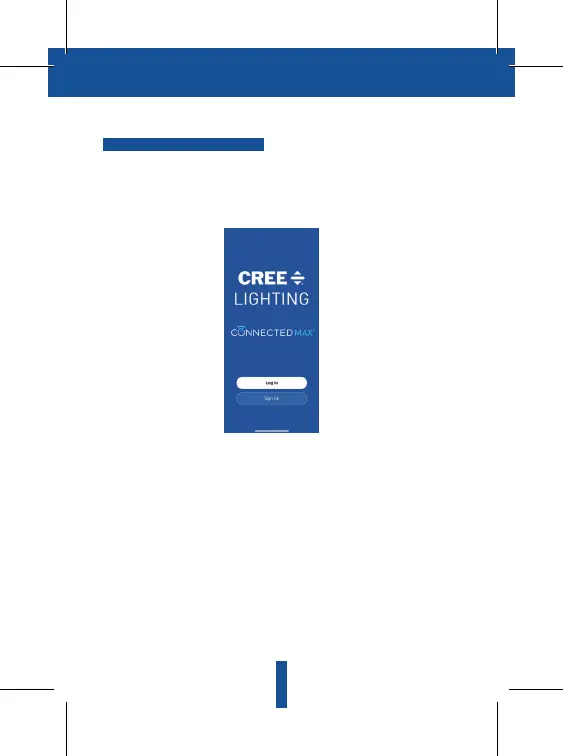
Download the Cree Lighting app and register your account. Open the Cree
Lighting App, click "Sign Up", read the "User Agreement Privacy Policy"
and click "Agree."
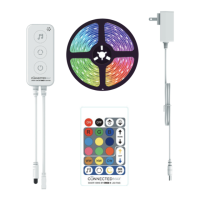
Plug the Cree Lighting Connected Max Smart Tape Light Strip you want to pair
into a wall outlet and press the power button. The Tape Light Strip should start
slowly flashing to indicate pairing mode. If the Tape Light Strip is not slowly
flashing, it may need to be reset.
Reset a Tape Light Strip by holding down the Power button on the Controller
for 5 seconds.


 To Next Page