8
English
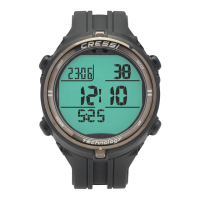
SWITCH ON
To turn on the computer, press Short
Short \ NEXT (ONE STEP)
Long (3 Sec.) \ RETURN
Long (1 Sec.) \ ENTER \ ESC
:
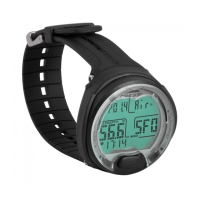
ThecomputerwillbeinPRE-DIVEmode,showingallinformationaboutthedive.
The computer is ready to begin a dive.
Beforethedivecheckthatalltheinformationiscorrect.
NOTE:The computer can turn on automatically during the dive within 20
secondswhendescendingpast4ft/1.2m,evenifthediverfailstoturnit
on.Cressineverthelessrecommendsturningonthedeviceandcheckingthe
parameters.
Thecomputerwillreturntostandbymode(off)after10minutesofinactivityon
the surface.
DESAT TIME
Aftercompletingadive,ifthereisstillDESATtimeactiveinAIR,FREE,orGAGE
modes,thecomputerwillalternatebetweentheDESATandPREDIVEscreens.
IfthereisstillDESATtimeinNITROXmode,thecomputerwillalternatetheDESAT
screen with the screen for PREDIVE (DONATELLO); PREDIVE GAS1, GAS2
(MICHELANGELO);orPREDIVEGAS1,GAS2,GAS3(RAFFAELLO).
SWITCH ON (DESAT) AIR
SWITCH ON (DESAT) AIR
(DONATELLO/MICHELANGELO/RAFFAELLO)
PRE DIVE
THE SCREEN SCROLLS AUTOMATICALLY
THE SCREEN SCROLLS AUTOMATICALLY
PRE DIVE (DESAT)
DESAT TIME
COUNTDOWN
SURF TIME
NO FLY TIME
COUNTDOWN
PPO
2
MAX
DESAT TIME
COUNTDOWN
SURF
TIME
NO FLY TIME COUNTDOWN
NITROX
%O2
PPO
2
MAX
PPO
2
MAX DEPTH


 To Next Page
 Loading...