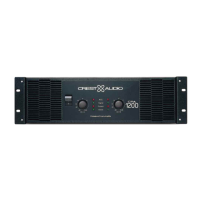
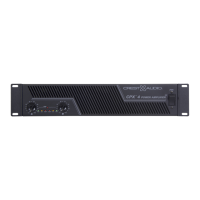
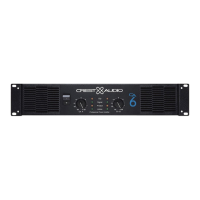
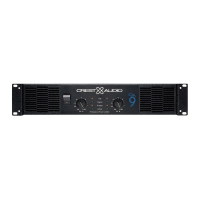
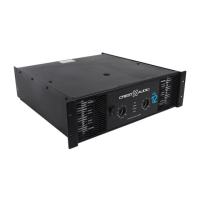
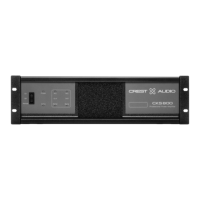
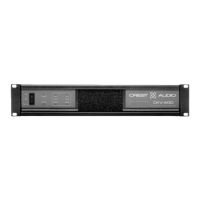
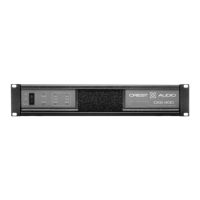
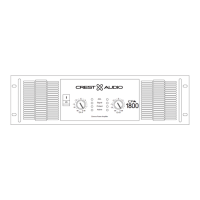
Front Panel
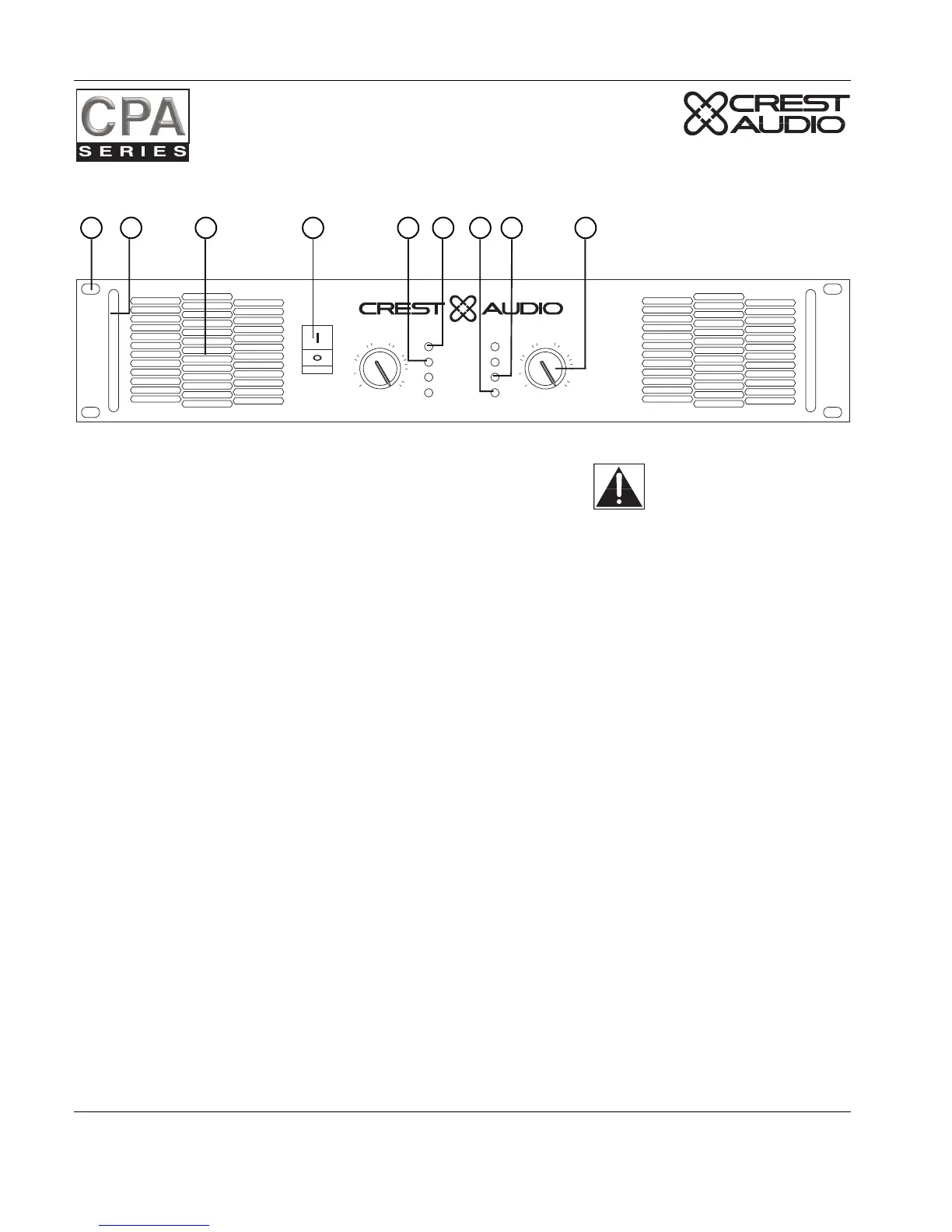
1. Rack Mounting Ears.
Two front panel mounting holes are provided on each mounting ear.
2. Optional Rack Handles.
Available from your authorized Crest Audio supplier.
3. Fan Outlet Grills.
CPA Series amplifiers are cooled by two, rear-mounted fans. Cool air flows over the heat sinks and
exhausts through the front grills. Make sure these outlets remain clear to allow unrestricted air flow.
4. AC Power Switch/Circuit Breaker.
CPA Series amplifiers have a front-panel combination AC switch and circuit breaker. (No fuses are used.) If
the switch shuts off during normal use, push it back to the “ON” position once. If it will not stay on, the
amplifier needs servicing.
5. Signal LED.
Illuminates to indicate that a signal (above a minimum threshold) is present at the amplifier input, and that
the signal is being amplified.
6. Clip LED.
Illuminates at the clipping threshold. Continuous illumination also indicates that ACL (Active Clip
Limiting) protection circuitry is engaged.
7. Active LED.
Indicates that AC power is connected and the amplifier is turned on.
8. Protect LED.
Indicates that the channel is in Protect mode (speakers disconnected by output relay).
9. Input Attenuators.
Attenuators are screwdriver adjustable and allow for precise setting of input gain. After adjustment, blank-
ing plugs are supplied to cover the attenuators.
Page 6 Crest Audio CPA Series Power Amplifiers
Models CPA400, CPA600, CPA900, CPA1200, CPA1800


 To Next Page