Security Reference Guide — Doc. 7693AC AirMedia® Presentation Gateway • 1
Overview
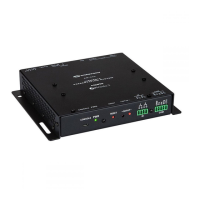
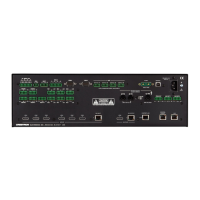
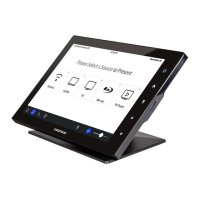
The AirMedia® device family allows users to present content and collaborate on displays by
leveraging existing IT infrastructure. AirMedia devices allow users to replicate their entire display
wirelessly with low latency and bandwidth consumption. All AirMedia devices are designed to
ease deployment and management.
To compare AirMedia devices, refer to Select the Right System (on the next page).
When connecting to AirMedia devices, a connection is made to the local Wi-Fi® network with a
Windows®, macOS®, iOS® or Android™ device and the corresponding AirMedia sender application.
Windows and macOS users can quickly download an AirMedia sender application from the
AirMedia device or have the AirMedia sender application installed by IT administrators. Chrome
OS™ users can use the AirMedia extension to easily present web browser and desktop content.
iOS and Android mobile devices can use the free apps available from the App Store® app on iOS
and the Google Play™ store app on Android. AirMedia Series 3 and AirMedia 2.0 devices allow
users to share full-screen Excel® spreadsheets, Word documents, PowerPoint® presentations,
PDF files, on-device videos, photos, and other content in meeting spaces.
For more information on specific AirMedia devices and their capabilities, please refer to the
following documents:
l
AirMedia® Series 3 Receivers Product Manual (Doc 9020)
l
AM-200/AM-300 Product Manual (Doc. 8254)
l
AM-101 Supplemental Guide (Doc 7918)
l
AM-100 Operations Guide (Doc 7463)
l
CCS-UC-1 Supplemental Guide (Doc 7844)
l
DMPS3-4K-200-C/DMPS3-4K-300-C Series Supplemental Guide (Doc 7849)
l
Crestron® PinPoint™ App Deployment Guide (Doc 7976)



 To Next Page
 Loading...