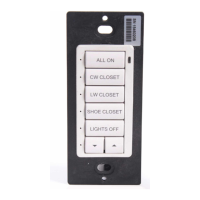
Crestron C2N/C2NI-CB Series Cameo
™
Keypads
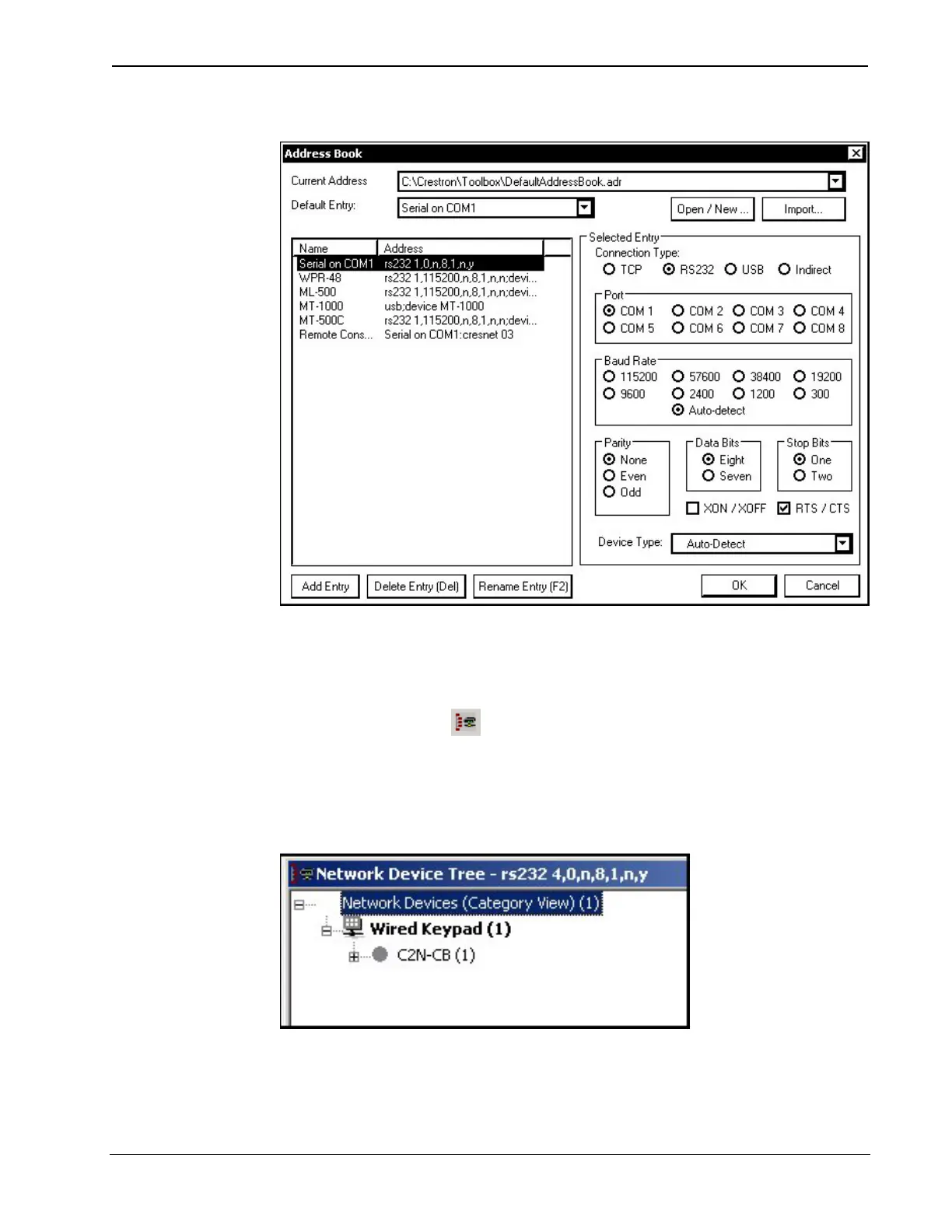
“Address Book” Window – Serial Setup
2. After setting the correct parameters, click OK to return to the
Crestron Toolbox main window.
3. Click Tools | Network Device Tree, or click the network
device tree icon
to display the devices in the system. Select
Serial on COM1 from the drop down list if it is not already
selected. If communication is successful, the network devices
that are connected to the control system are displayed.
Network Device Tree
To view a specific device, expand the network device tree by
clicking the +. Expand the network device tree till the device to be
Operations & Installation Guide - DOC. 6346A Cameo™ Keypads: C2N/C2NI-CB Series • 31


 To Next Page