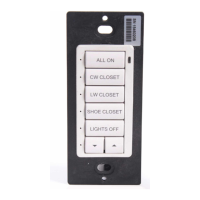
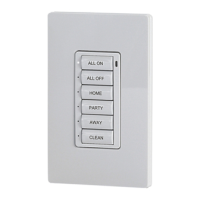
Cameo
™
Keypads Crestron C2N/C2NI-CB Series
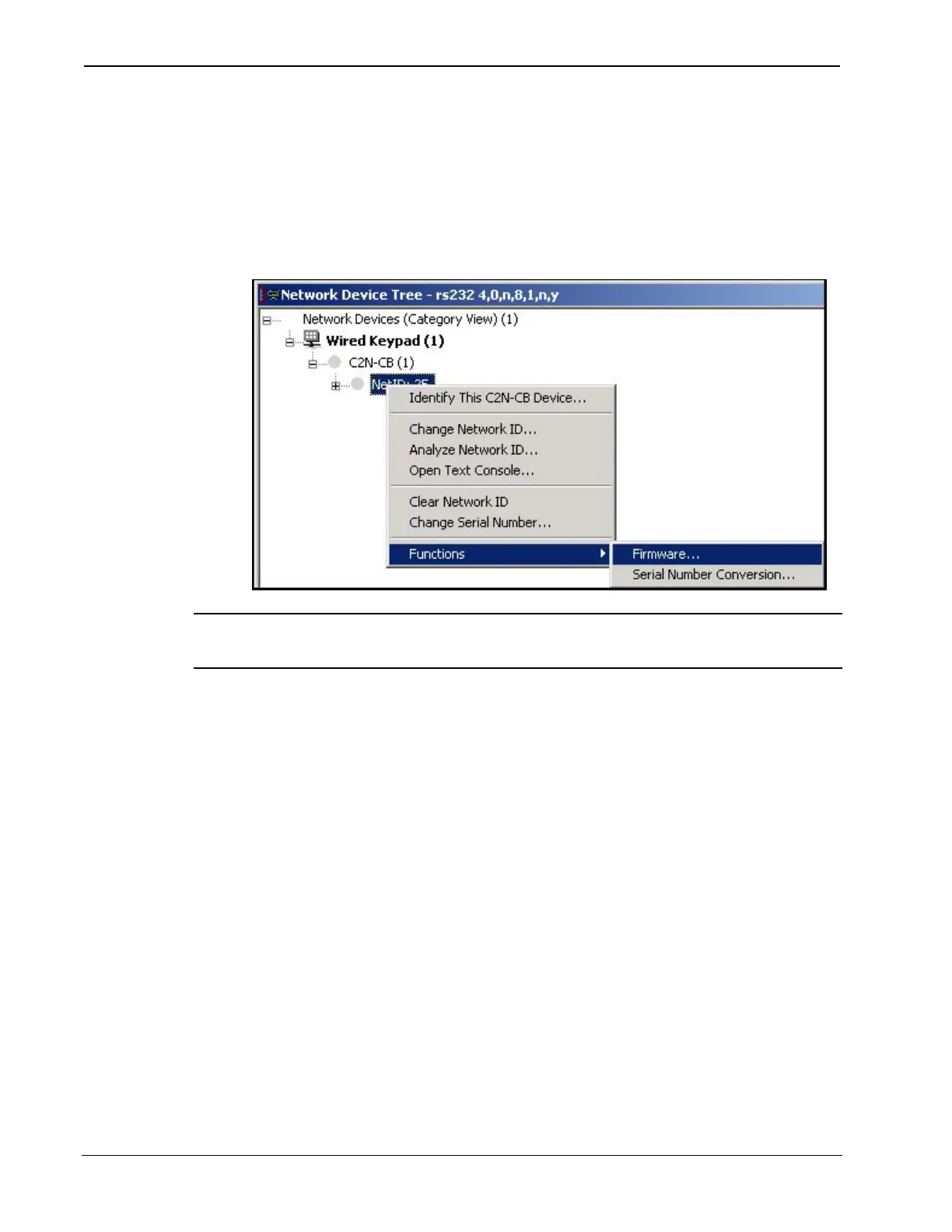
managed is selected. Right-click the desired Net ID to open the
sub-menu. This menu provides a wide range of operations,
including; change the Net ID, open text console, and, through the
sub-sub menu, additional functions such as updating firmware and
serial number conversion.
Network Device Tree Sub-Menu -Functions
NOTE: Toolbox displays a customized list of functions depending on
the type of device with which it is communicating.
Uploading a SIMPL Windows Program
A control
system source
ile has the
extension
.smw. A
compiled
SIMPL
Windows file
has the
extension .spz
or a 2-Series
control system,
.bin for CNX
generation,
and .csz for
CNX
generation
with SIMPL+.
.
The SIMPL Windows file can be uploaded to the control
system using SIMPL Windows or via the Crestron
Toolbox.
Upload via SIMPL Windows
1. Start SIMPL Windows.
2. Select File | Open to view the “Open” window,
navigate to the SIMPL Window file (.smw),
and click Open.
3. Select Project | Transfer Program.
Upload via Crestron Toolbox
1. Verify that the procedure for “Communication Settings” that
begins on page 29 has been performed.
32 • Cameo™ Keypads: C2N/C2NI-CB Series Operations & Installation Guide - DOC. 6346A


 To Next Page