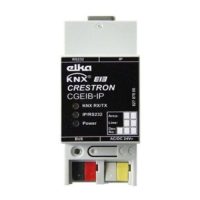
KNX Control Interface Crestron CGEIB-IP
8
KNX/EIB Control Interface: Crestron CGEIB-IP Operations & Installation Guide – DOC. 0009
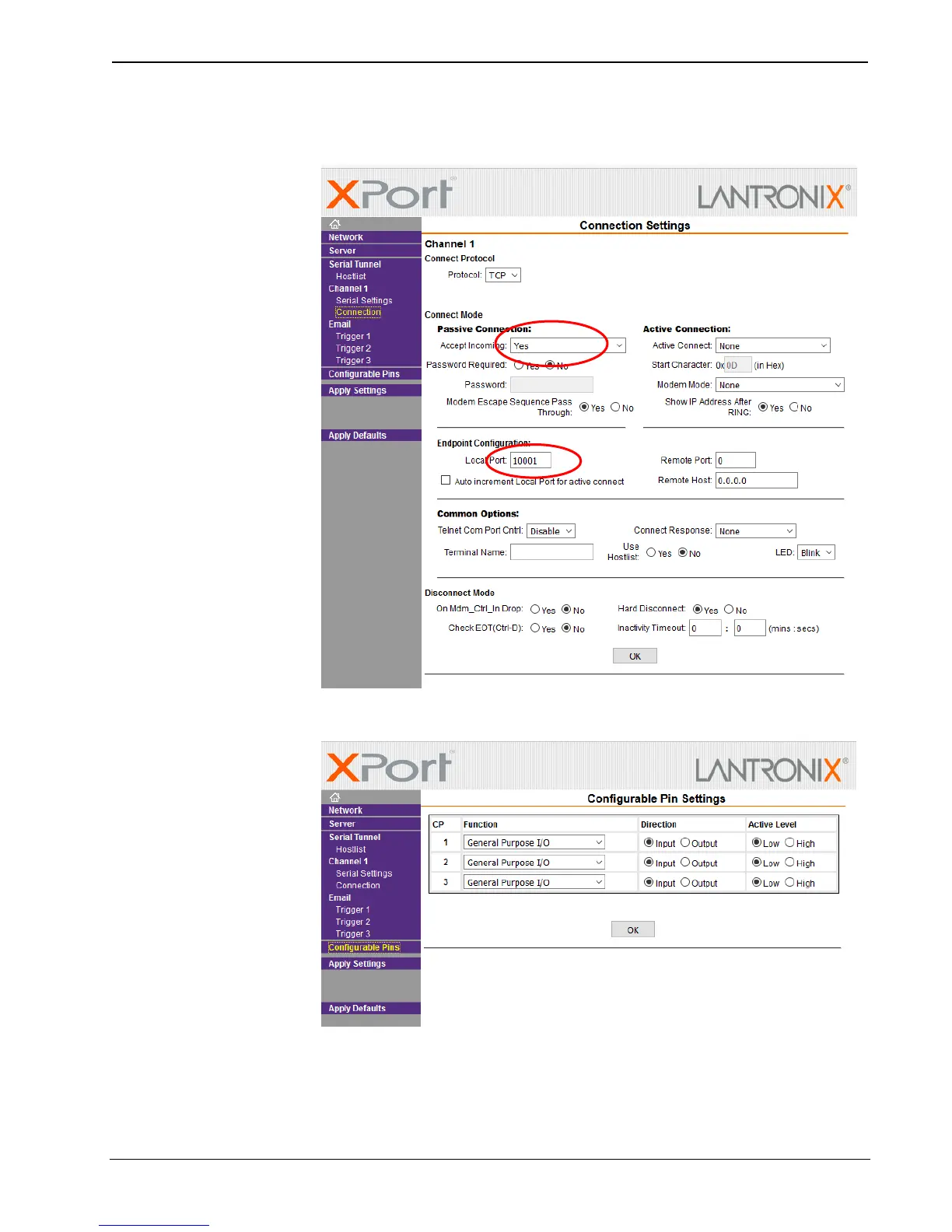
- Select menu item “Connection”, make sure “Accept Incoming” is set to
“Yes” and verify the port used.
- Select menu item “Configurable pins” and make sure the settings are as
below.


 To Next Page