EasyManua.ls Logo

Crestron CNXBRMO - Problem Solving; Troubleshooting

Crestron CNXBRMO
24 pages
Print Icon
To Next Page IconTo Next Page
To Previous Page IconTo Previous Page
Loading...
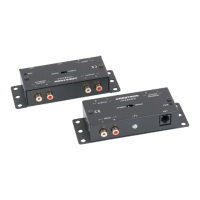
Crestron CNXBRMO Bridging/Mono Interface
Problem Solving
Troubleshooting
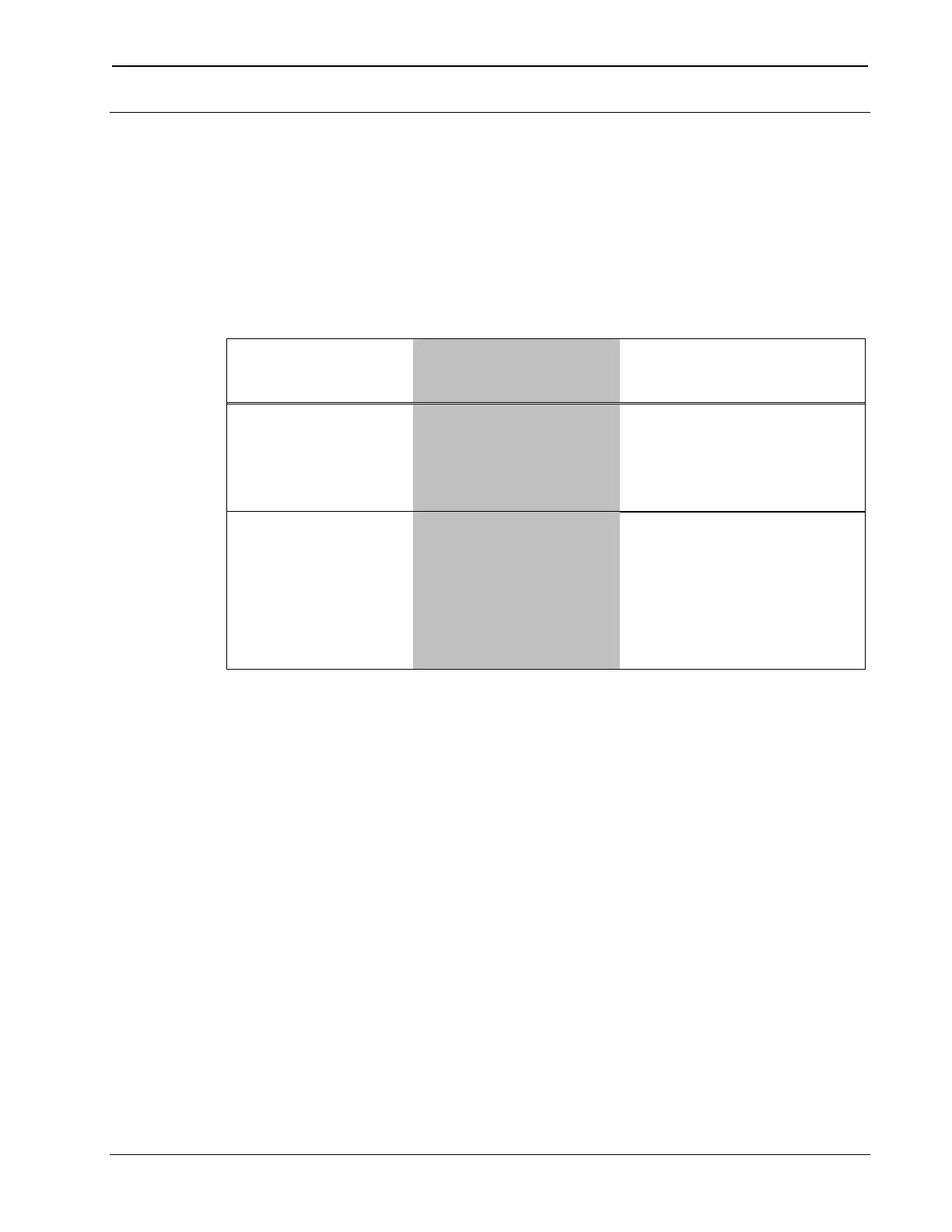
The following table provides corrective action for possible trouble
situations. If further assistance is required, please contact a Crestron
customer service representative.
CNXBRMO Troubleshooting
TROUBLE POSSIBLE
CAUSE(S)
CORRECTIVE
ACTION
PWR LED does
not illuminate.
CNXBRMO is not
receiving power.
Verify cable plugged
into NET port is the
correct type and that it
is secure.
Hum on audio. Grounding
problem.
Verify CNXBRMO is
grounded to
CNX-PAD8A (or
CNX-BIPAD8). If hum
persists, remove
chassis ground wire.
Operations Guide – DOC. 8158A Bridging/Mono Interface: CNXBRMO 13

Related product manuals