Crestron D3 Pro
™
Software
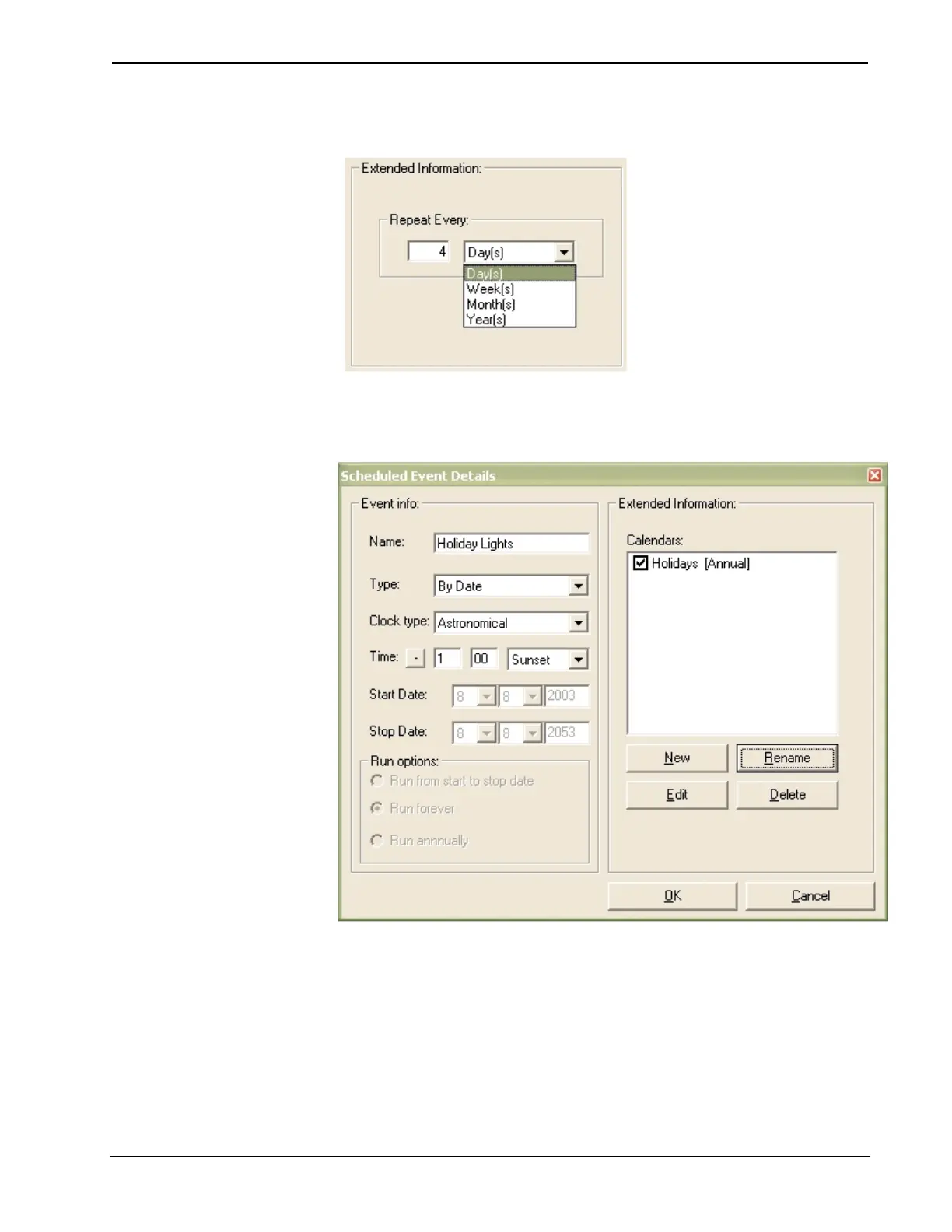
8. With Periodic Schedules you can enter the fixed period.
9. If you create a By Date schedule, the Start Date and Stop Date will be
dimmed and no run options are available. Here you can create an event
calendar or edit an existing event calendar.
To select the dates that will pertain to a calendar, select the check box next to
the calendar and click Edit.
10. Select the dates you want to include in the calendar. When you click a date, it
will appear in red. If you click the date again it is de-selected and will appear
in black.
Reference Guide – DOC. 5998a Crestron D3 Pro™• 79



 To Next Page