Software Crestron D3 Pro
™
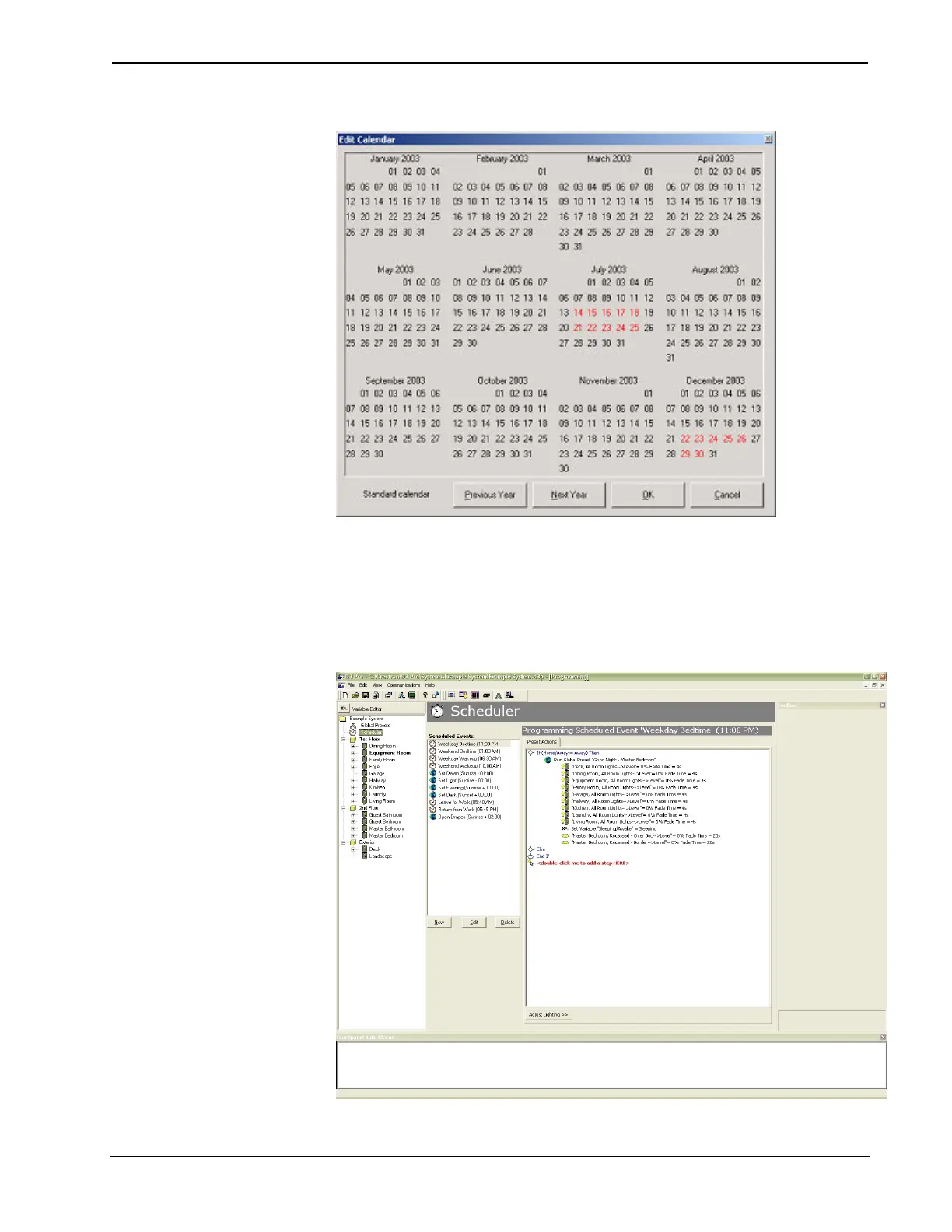
11. When you are satisfied with the calendar dates, click OK.
12. Once you have defined the schedule dates, you can program events by
double-clicking the red text inside the Preset Actions tab. You can define
actions, conditionals statements, and set global variables as usual.
80 • Crestron D3 Pro™ Reference Guide – DOC. 5998a



 To Next Page