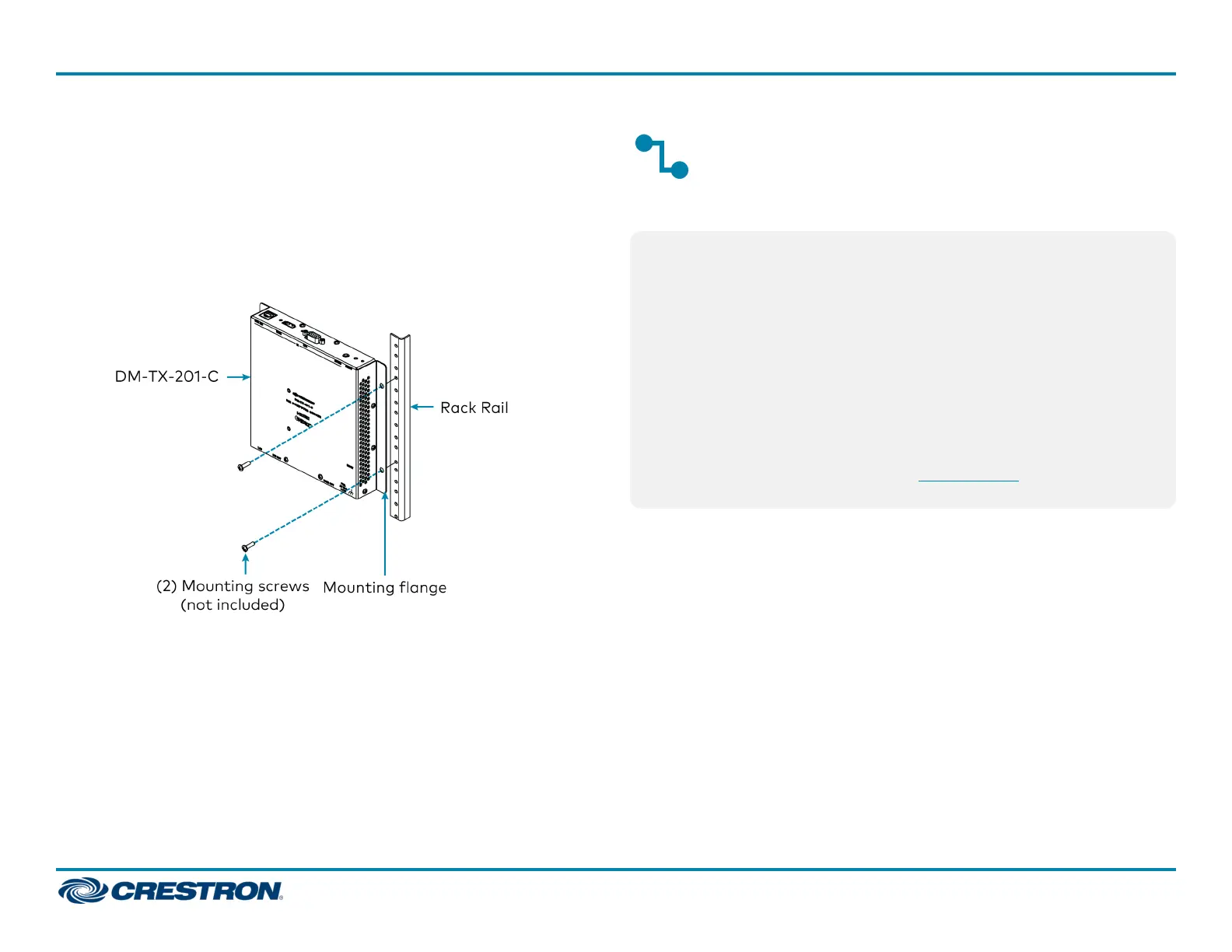
Mount onto a Rack Rail
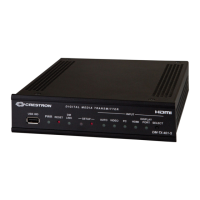
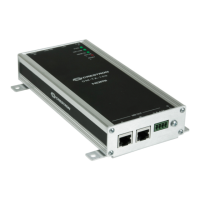
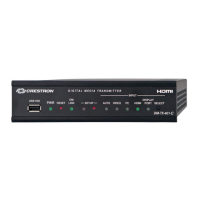
The DM-TX-201-C can be mounted onto a front or rear rack rail. To
mount the device:
1. Position either of the mounting flanges so that the holes align with the
holes in the rack rail.
2. Secure the device to the rack rail using two rack mount screws (not
included).
Connect the Transmitter
Connect the device as required for the application.
NOTE: The DM OUT port is a PoDM (Power over DM) powered device
(PD) port and is also compatible with HDBaseT® PoE.
l In order for the port to receive PoDM, the port requires connection
to a DigitalMedia™ switcher or other DigitalMedia equipment that
has a corresponding PoDM power sourcing equipment (PSE) port.
l In order for the port to receive HDBaseT PoE, the port requires
connection to equipment that has a corresponding HDBaseT PoE
PSE port.
Wiring that is connected to a PoDM or HDBaseT PoE PSE port is for
intrabuilding use only.
PoDM, HDBaseT PoE, or the optional PW-2407WU power pack (sold
separately) can be used to power the device.
2
DM-TX-201-C
QuickStart
DigitalMedia 8G+® Transmitter 201



 To Next Page
 Loading...