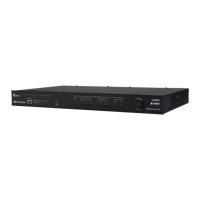
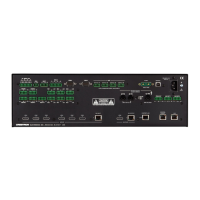
Observe the LED Indicators
Refer to the following table for information about the LED indicators on
the device.
LED Indicator Color Meaning
PWR Amber Power is being applied to the device.
Thedeviceis booting.
Green Power is being applied to the device.
Thedeviceis operational.
AUTO Green Automatic switching is enabled.
SETUP Red
The SETUP button is pressed.
INPUT 1-4 Green The corresponding input is routed to
an output.
Amber A source is detected at the
corresponding input but is not routed
to an output.
Ethernet Green A 100BASE-TX link is established.
Amber A 1000BASE-T link is established.
Flashing amber Data activity is occurring on the
Ethernet link.
DM Lite
OUTPUT
Green A DM Lite link is established.
Flashing amber Non-HDCP video is detected.
Solid amber HDCP video is detected.
Visit the Product Page
Scan the QR code to visit the product page.
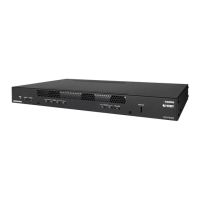
HD-PS401
www.crestron.com/model/6511414
7
HD-PS401
QuickStart
4x1 4K60 4:4:4 HDR Presentation System


 To Next Page