l Press MUTE to mute the speaker outputs.
NOTE:The DOWNMIX output's mute function is not controlled by
the MUTE button. It is controlled from Downmix menu. For details,
refer to the HD(I)-XSPA Supplemental Guide (Doc. 7448).
Select a Source or Decoding Mode
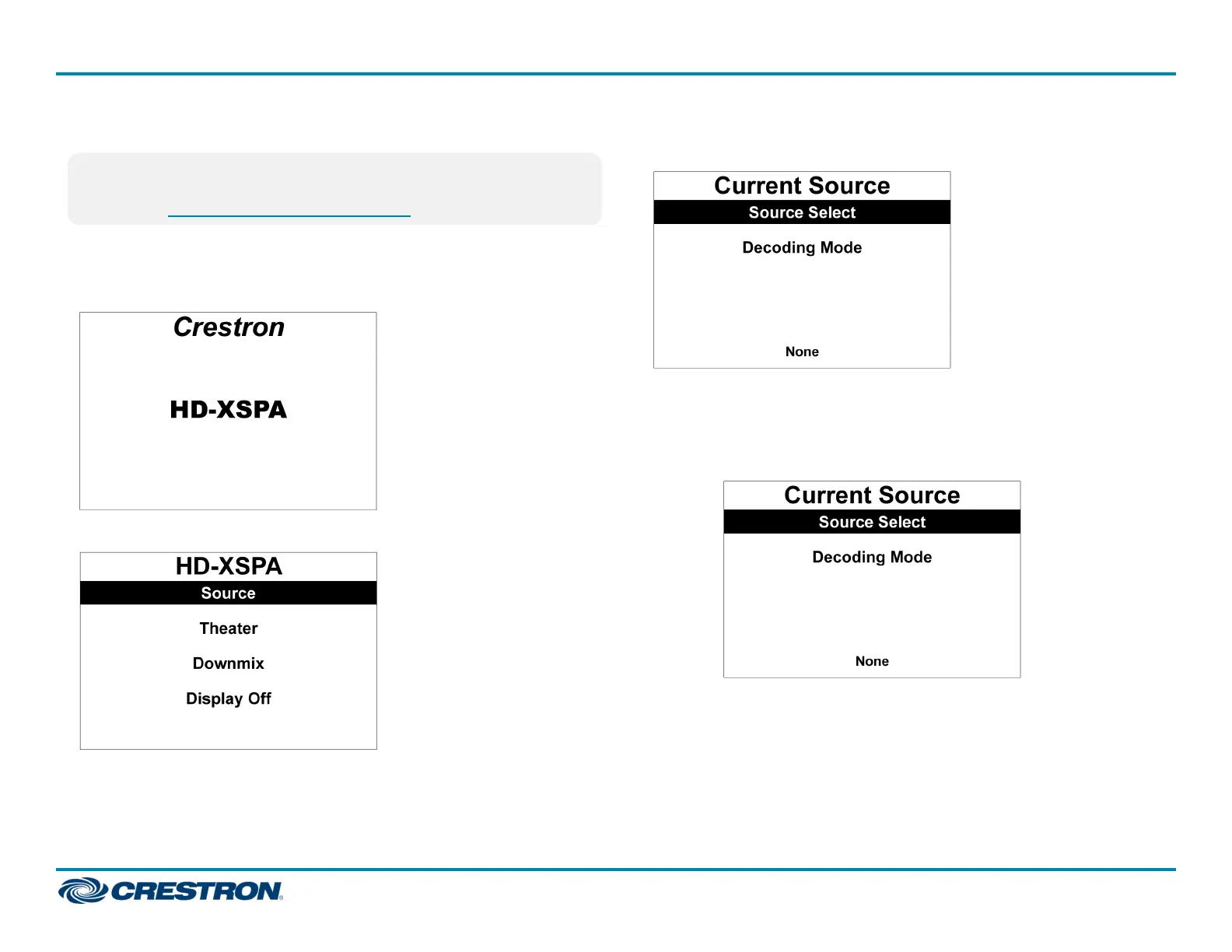
1. Press HOME to display the home screen.
2. Press the center of the Navigation Pad.
3. Press up or down on the Navigation Pad to highlight Source and press
the center of the Navigation Pad.
4. Select a source or a decoding mode.
l Select a source:
a. Press up or down on the Navigation Pad to highlight Source
Select.
8
HD(I)-XSPA
QuickStart
4K Ultra High-Definition 7.1 Surround Sound AV Receiver















 To Next Page