PROCISE™ Surround Sound Processor Crestron PSPHD
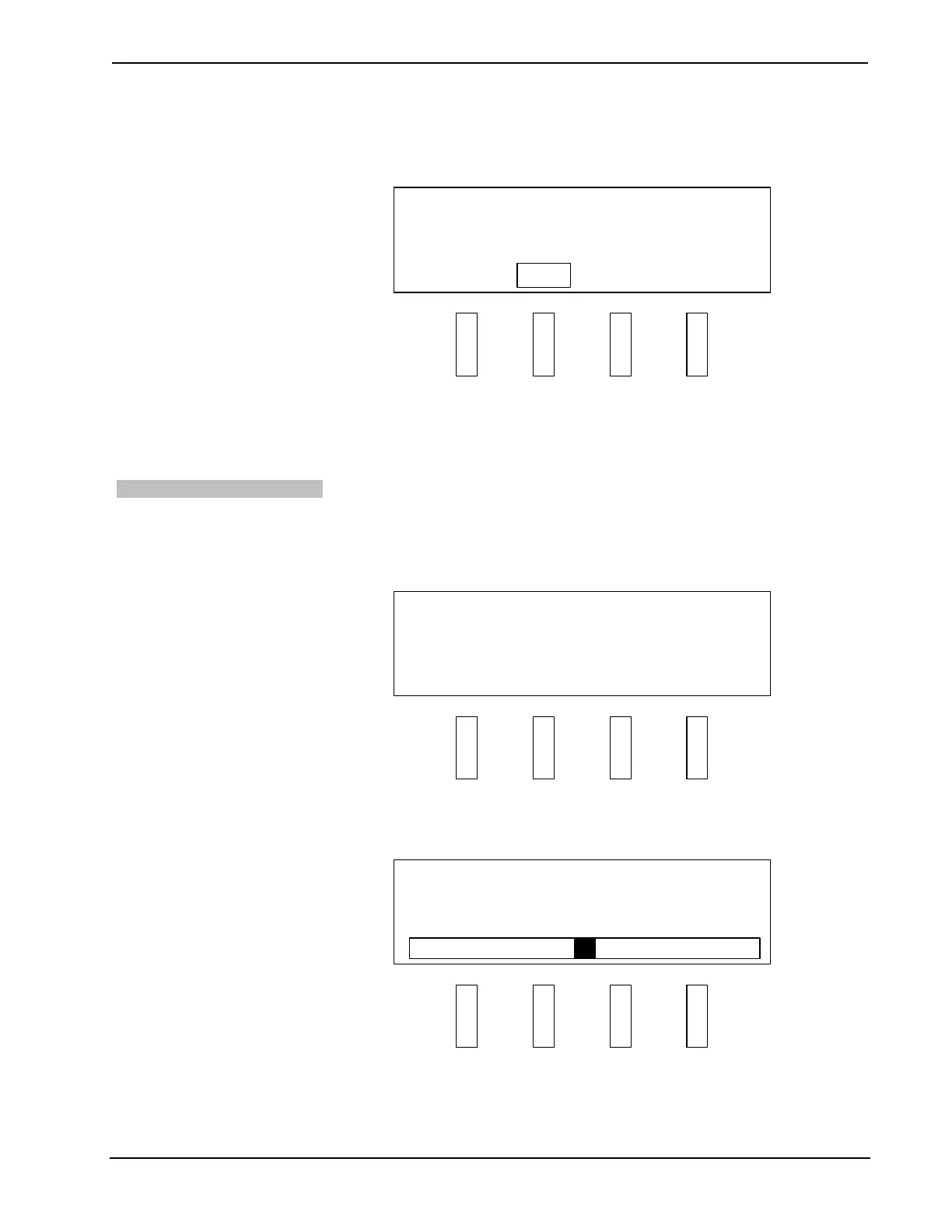
3. Press the selection knob to display the Dolby TrueHD Auto Compression
control.
Dolby TrueHD Auto Compression Control
SETUP
Dolby TrueHD Auto Compression
On
SOURCE MODE SETUP INFO
Off
4. Turn the selection knob to highlight the desired setting.
5. Press the selection knob to confirm the selection.
6. Press HOME to return to the home display.
Bass Level
The bass level can be adjusted with the PSPHD front panel. To adjust the bass level:
1. Press the SETUP button to display the first Setup option.
2. Turn the selection knob to display Bass.
Bass Setting
SETUP
Bass 0.0 dB
SOURCE MODE SETUP INFO
3. Press the selection knob to display the Bass control.
Bass Control
SETUP
Bass 0.0 dB
SOURCE MODE SETUP INFO
4. Use the selection knob to adjust the bass setting. To raise the bass level,
turn clockwise. To lower the bass level, turn counterclockwise.
5. Press the selection knob to confirm the selection.
58 • PROCISE™ Surround Sound Processor: PSPHD Operations Guide – DOC. 6837B


 To Next Page