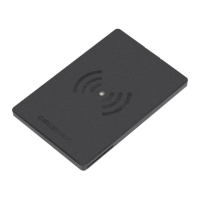
8. Insert the RFID-USBintothemountingframefront-side first.
9. Attach the micro USBcableendtotheRFID-USBflexibleconnector.
10. Remove the protective liner from the four adhesive pads on the
RFID-USB.
CAUTION:Theadhesivepadsarehigh-strength bond. Once the
adhesive comes in contact with a surface, it cannot be easily
removed.
11. Remove the protective liner from one side of the four additional
adhesive pads, and then attach them to the existing adhesive pads
on the RFID-USB.
12. Remove the protective backing from the other side of the four
additional adhesive pads attached in step 10 above.
13. Hold the RFID-USB at a 45-degree angle to the glass surface so that
the flexible connector is facing the mullion, and then align the lower
edge of the device with the taped reference line. Do not allow the
adhesive to come in contact with the drywall.
6
RFID-USB
QuickStart
RFIDCardReader


 To Next Page