4 Cricut DesignStudio™ • www.cricut.com
Welcome and Introduction
We here at Provo Craft offer a great, heart-felt thank you for purchasing the Cricut Design-
Studio™ software! Congratulations! The program you now own will help you enhance your
Cricut creativity. Enjoy!
What is the Cricut DesignStudio?
The Cricut DesignStudio is many things. It’s a streamlined virtual workbench, a digital
content walk-in closet, a mad-scientist laboratory of image creation, a shimmering portal
to the worldwide Cricut brain-share, and even a glowing crystal ball from which the future
of your Cricut adventures can be divined.
With the Cricut DesignStudio software, you can create digital layouts of any and all
desired images from the Cricut DesignStudio Library before you cut them. What You See
Is What You Cut! You can weld images together to make new combinations or letters to-
gether to make words and phrases. You can change image properties, rotate, ip, shear,
duplicate, or multi cut to your heart’s content. You can preview cartridge sets you don’t
have yet. You can more easily explore the cartridge sets you do have in various modes of
organization. You can use keyword descriptors to quickly locate just the right image. You
can save your progress on the layouts you’re creating, and reload them to pick up where
you left off. The Cricut DesignStudio is a powerful tool to help you explore, design, and cut
your way to the perfect project, the way you want it.
Setup for Installation
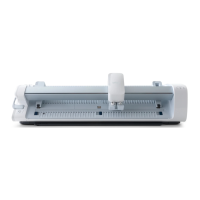
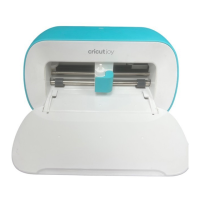
You can use the Cricut DesignStudio software with the Cricut™ Personal Electronic
Cutter™ or the Cricut Expression™ 24" Personal Electronic Cutter™.
IMPORTANT: Install the Cricut DesignStudio BEFORE connecting your Cricut to your com-
puter. This ensures the proper drivers are installed.
Installation
Be sure to close all applications before beginning the installation or setup.
1. Insert the Cricut DesignStudio CD into the disk drive.
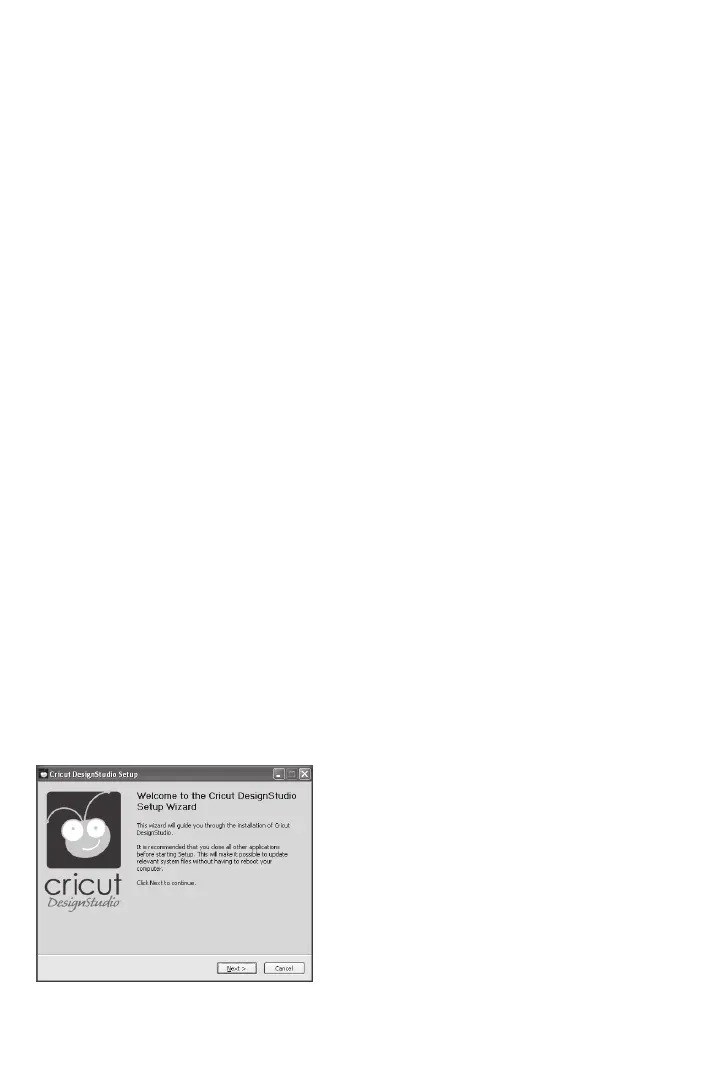
2. When the Setup Wizard appears, follow the instructions. The Setup Wizard will present
the End User License Agreement, then have you choose an installation location. The
default location it will show should work just ne. After choosing the installation location,
the program will perform the install and let you know when it’s done. Just click on “Finish”
to complete the installation.












 To Next Page