18
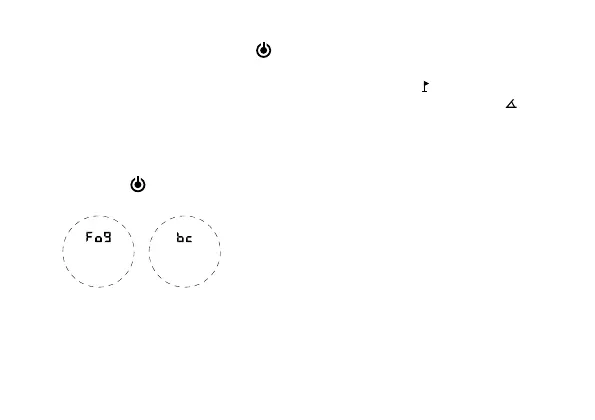
Then press the (
) button. “Fog” is
now flashing. Press the power button
to
choose fog on or off. Flashing = on, static
= off. The fog mode is used in foggy/rainy
conditions to provide an accurate range in
atmospheric interference.
Press the (
) button again. “bc” (bal-
listics calculation) is now flashing. Press the
power button
to choose golf slope com-
pensation on or off. Flashing = on, static = off.
After selection, hold the (
) button to
exit.
MODE SELECTION
Press the (
) button to cycle between:
MODE 1: Standard ranging
MODE 2: Flag lock [ ]
MODE 3: Golf slope compensation [
]
MODE 4: Horizontal distance [HD]
MODE 5: Vertical height [VH]
MODE 6: Speed
Note: When the fog setting is on, “Fog” is
displayed on the screen and all modes will
use the fog setting.


 To Next Page