Operation Instructions
25 / 55
5.5 HDI-600 ** / HDI-900 ** Operation Description
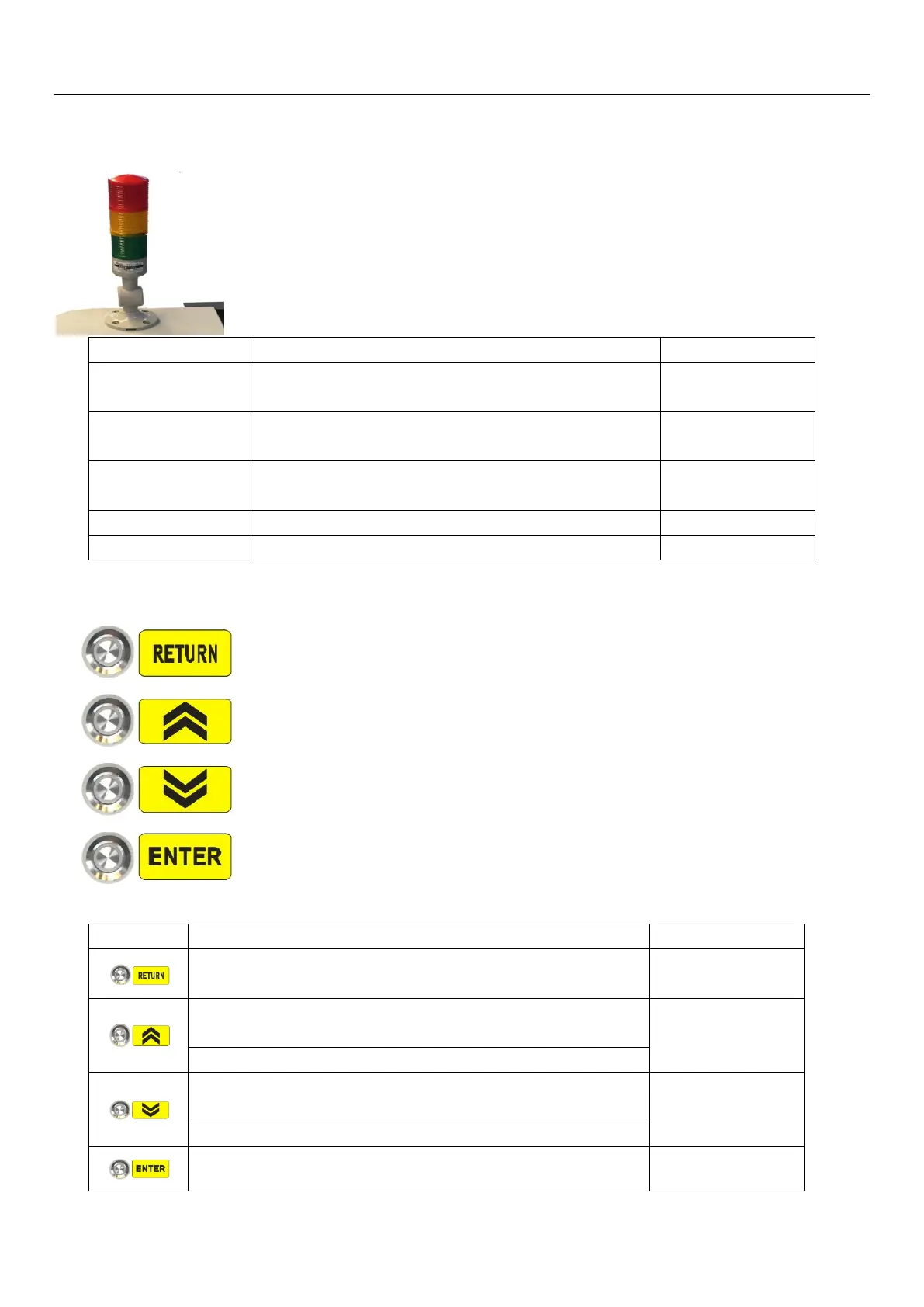
Status (light) Indicator:
The device is powered on, the PC LaBoo software is not
connected
Connected to LaBoo software and acquired device
temperature successfully
Scan before loading
and unloading plate
LaBoo software output, loading and unloading in
operations
HDI-600**/920**Operation Keys Panel
Used to switch back to manually adjust the plate loading operation
during automatic plate loading
Used to turn the drum counterclockwise slowly during manual
loading adjustment
Avoid excessive adjustment causing tail clamp collision
Used to manually turn the drum slowly clockwise while
adjusting the plate
Used for the next operation control in the plate loading process
Used for confirmation control during plate loading


 To Next Page