Operation Instructions
27 / 55
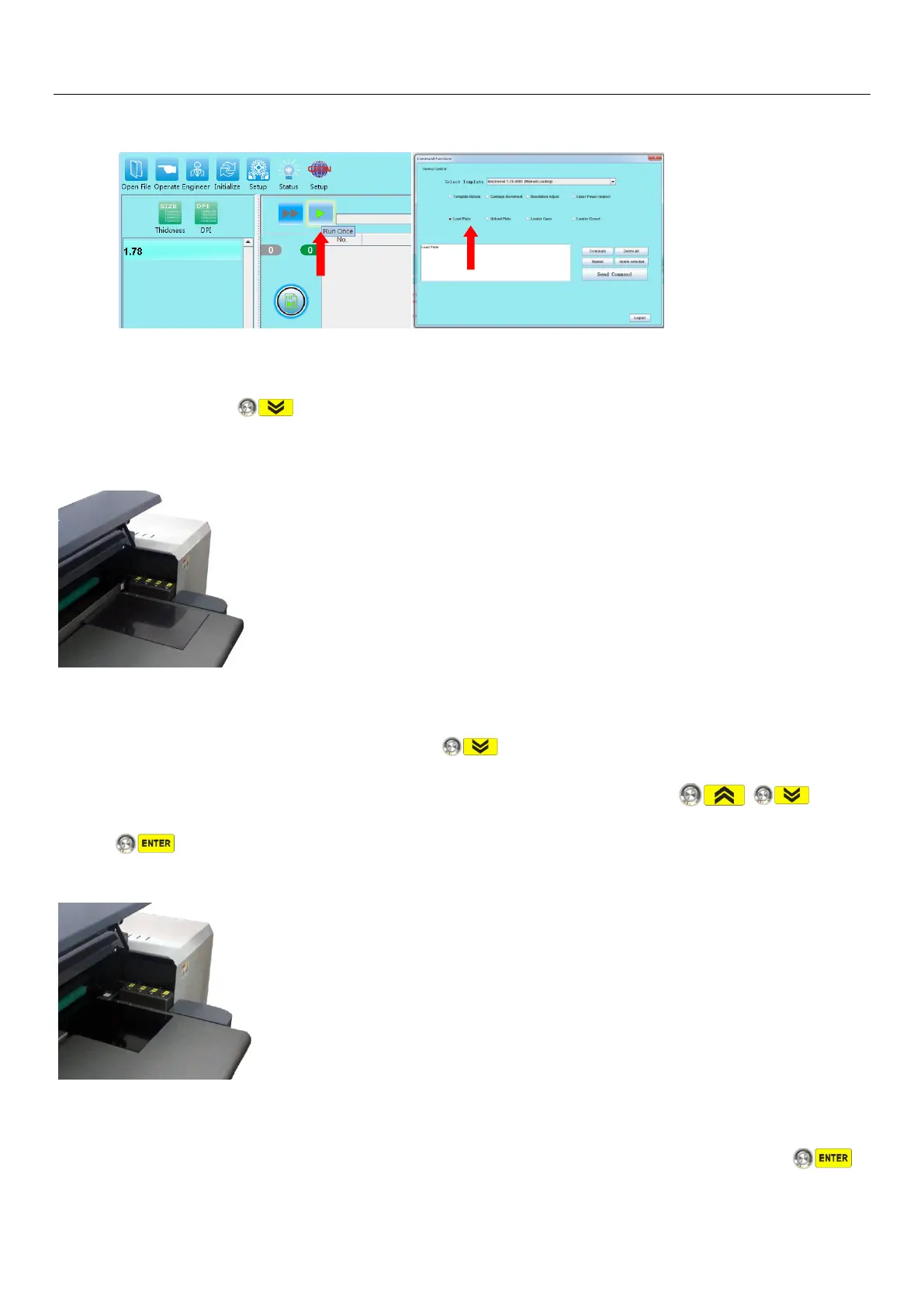
a) The device is ready for loading process either “Load Plate”command is executed under command
function, or job “Output”during plate imaging operation.
b) The drum is rotated to the loading position, the head clamp is opened and device is holding on for
next command, button light is flashing, plate stoperthe positioning column rises, waiting for
the next operation action.
c)Open the device’s upper cover and slide it back to open position, place in a plate with the size same
as the default template specified, align right to the anchor gauge, move in plate until plate front
aligned evenly with head clamp, press the button, head clamp on drum closed, drum starts
rotate and plate mounting on drum until it is close to Tail Clamp position. , ,
buttons lights are flashing, and awaiting to be pressed for operating action.
d) At this point, observe the end of the plate and the position of the Tail Clamp, and determine the
next proper action.
d-1)If Template(Tail Clamp) position correct, distance is about 2±1mm within, press the


 To Next Page