cronusmax CRONUS ZEN User Guide
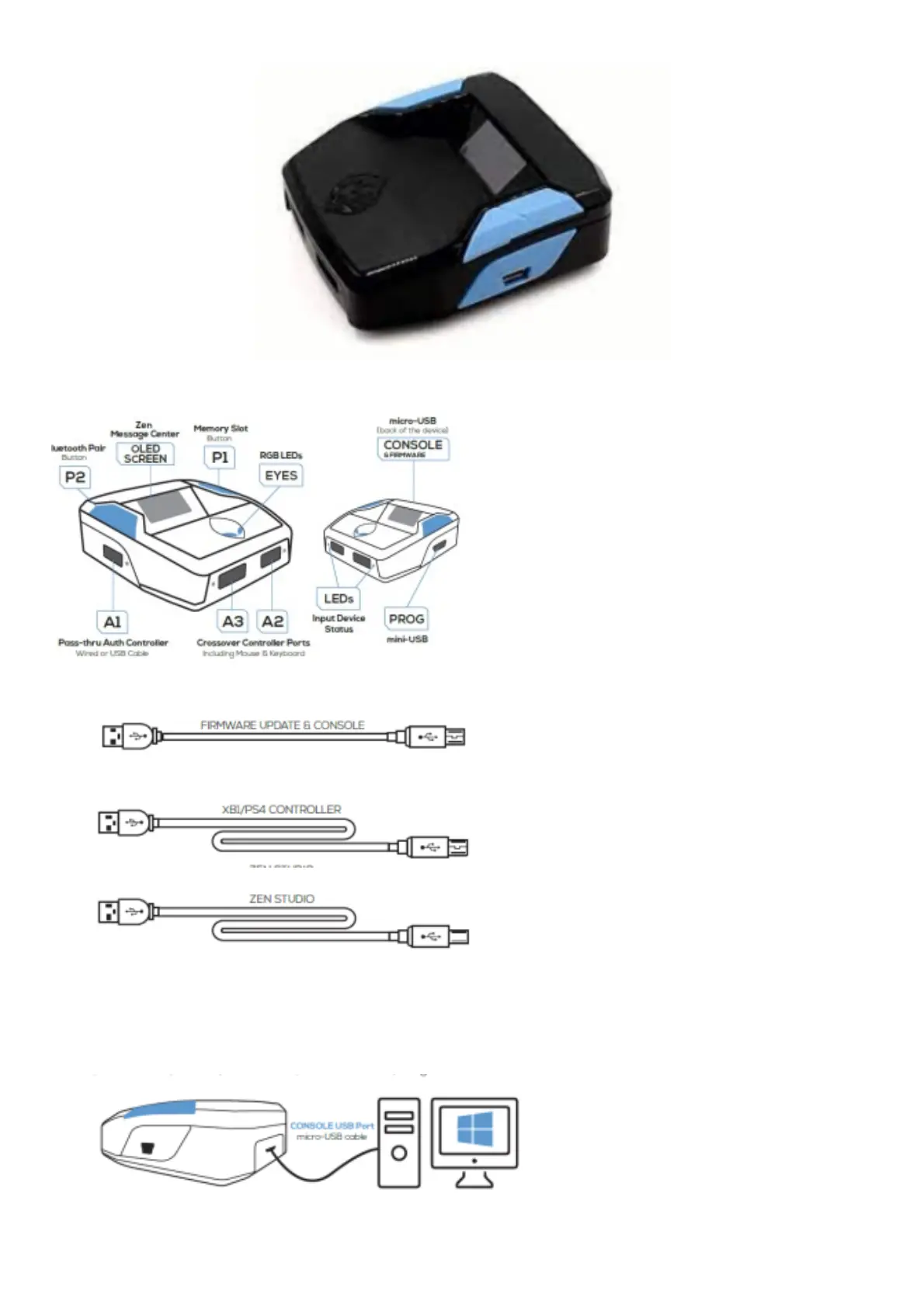
WHAT’S IN THE BOX
1. CRONUS ZEN
2. MICRO-USB CABLE SHORT
3. MICRO-USB CABLE LONG
4. MINI-USB CABLE LONG
visit cronusmax.com/downloads
1. Download the Firmware Update Tool & update to the latest version
It is important that you complete this step first before anything else.
2. Press and hold the Cronus Zen reset button
visit cronusmax.com/downloads Download the Firmware Update Tool & update to the latest version It is



 To Next Page