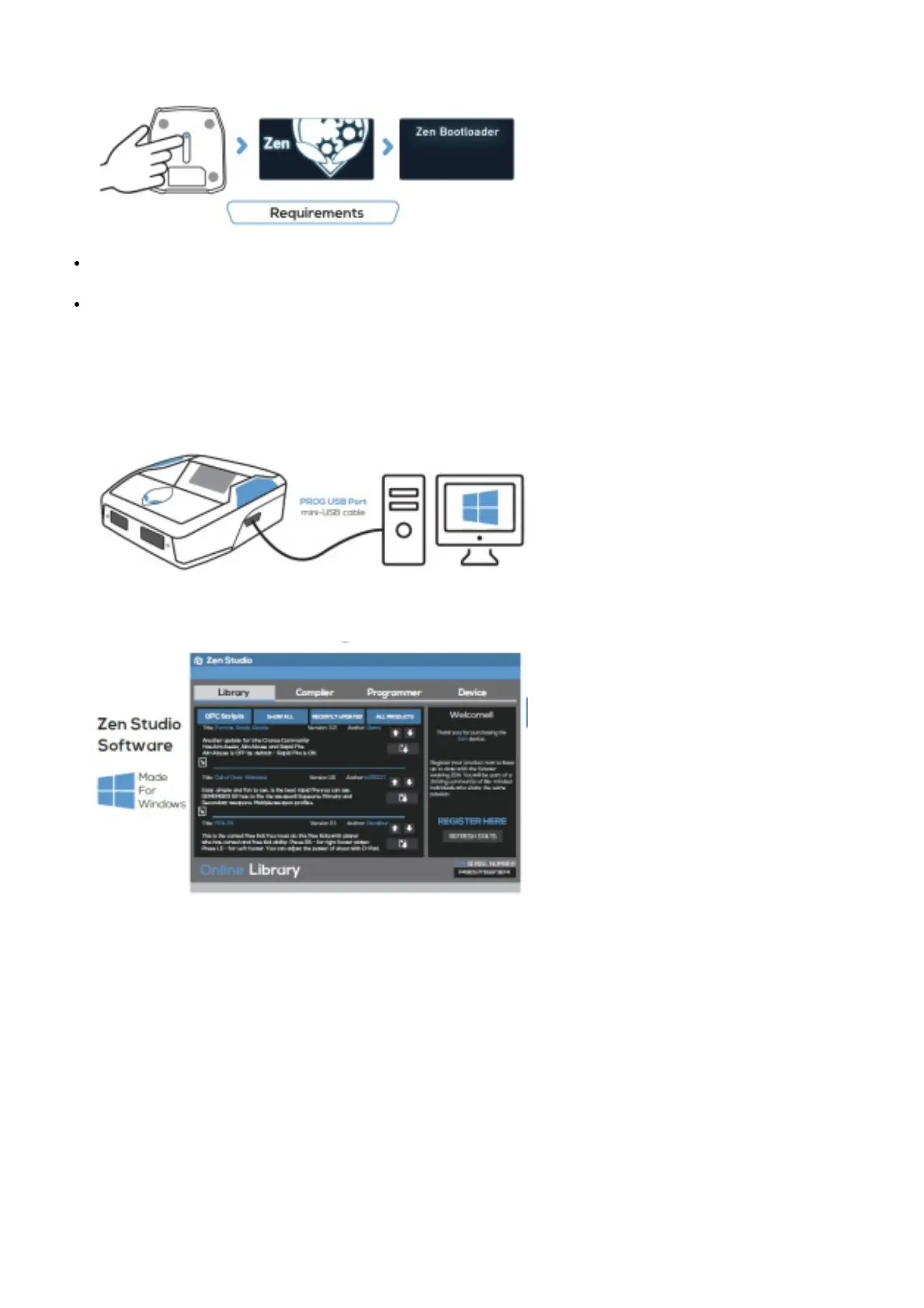
important that you complete this step first before anything else.
The OLED screen will display “Zen Bootloader” – you can now use the Firmware Update Tool.
Tip: If you get an E3001 error, hold the reset button down before plugging in the micro-USB cable.
A wired, licensed controller that matches the console. Wireless controllers can be used with a full data USB
cable (long micro USB cable provided).
Note: XBOX 360 console support requires a fully wired X360 controller. The ‘Play and Charge Kit’ for wireless
X360 controllers will not work.
GETTING STARTED ZEN STUDIO SOFTWARE
1. Download & Install the Zen Studio Software for Windows.
Microsoft Windows 10 is recommended. Mac OS requires Bootcamp (See Online User Guide)
2. Register Your Cronus Zen Click on “REGISTER HERE” and you will be asked to login to your Cronus
Community account, or create an account if you don’t
yet have one. Get exclusive access to Zen owner areas
Troubleshooting
If you experience an error code because of a bad script or old firmware, unplug all cables from the Zen, hold down
both the P1 and P2 buttons and then plug in the micro-USB cable to the rear CONSOLE USB port of the Zen. Wait a
few seconds and the RGB LEDs will flash RED-GREEN-BLUE and the Collective Minds Gear Head logo will display
on the OLED Message screen. Visit guide.cronusmax.com/help/ for more troubleshooting tips.



 To Next Page