ENABLE SWITCH WIRED COMMUNICATION
Nintendo Switch
System Settings > Controllers & Sensors > Select: Pro Controller Wired Com.
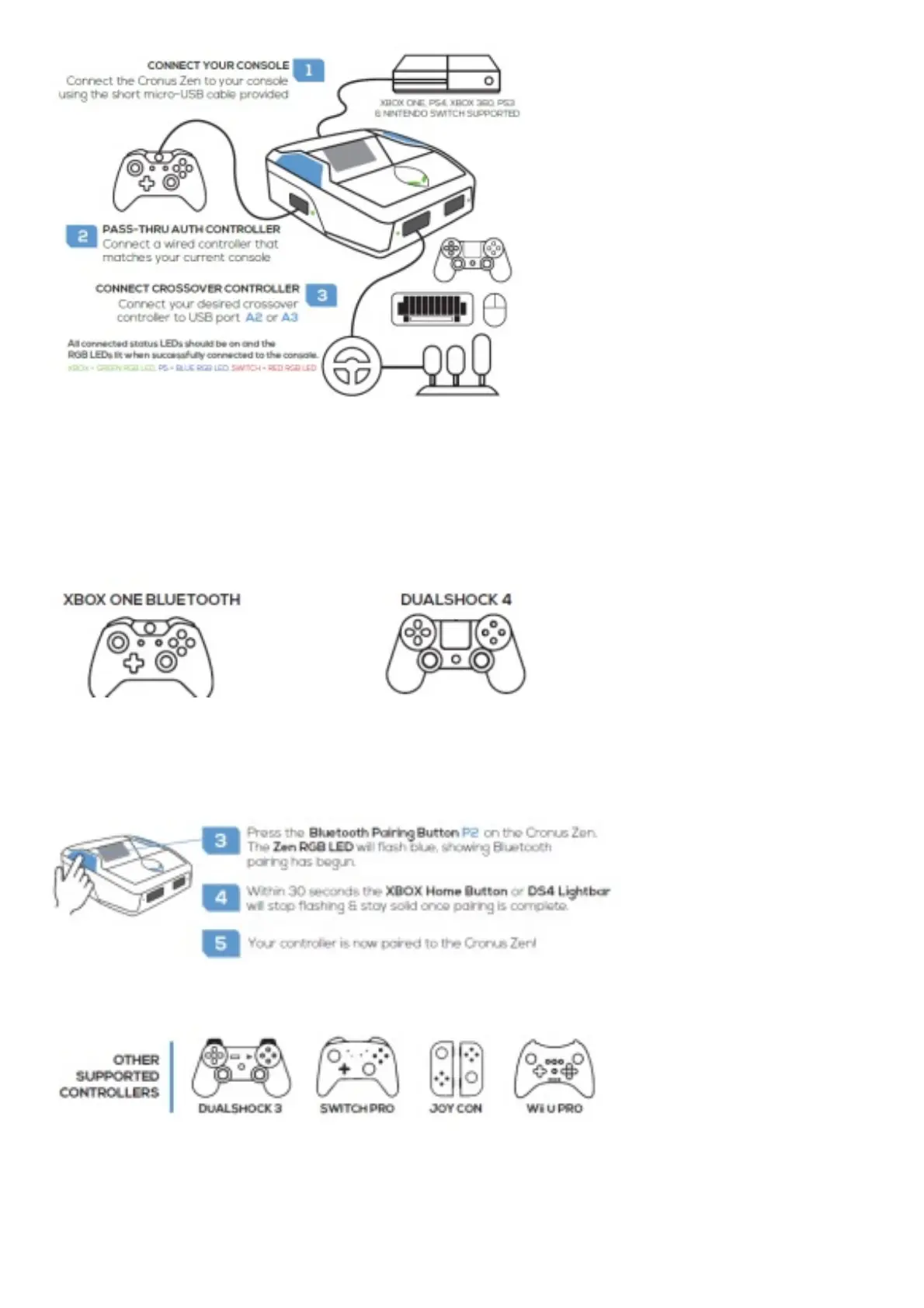
WIRELESS CONTROLLER SETUP
1. Turn on your controller.
2. Hold the SYNC Button on the controller.
3. Turn off your controller.
4. Hold SHARE + PS until the DS4 Lightbar quickly flashes white.
Note: Only DUALSHOCK 4 model CUH-ZCT2 supports headsets and the built in speaker.
Connection instructions for these controllers available at guide.cronusmax.com.
XBOX ONE ALL MODELS



 To Next Page