User Manual
1.4. Making Coffee
Detach the porta lter from the brew head
Place the desired amount of coffee into
the lter and press the coffee using the
tamper
Re-connect and tighten the porta lter in
brew head
Position espresso cup under the exit
outlets of the porta lter
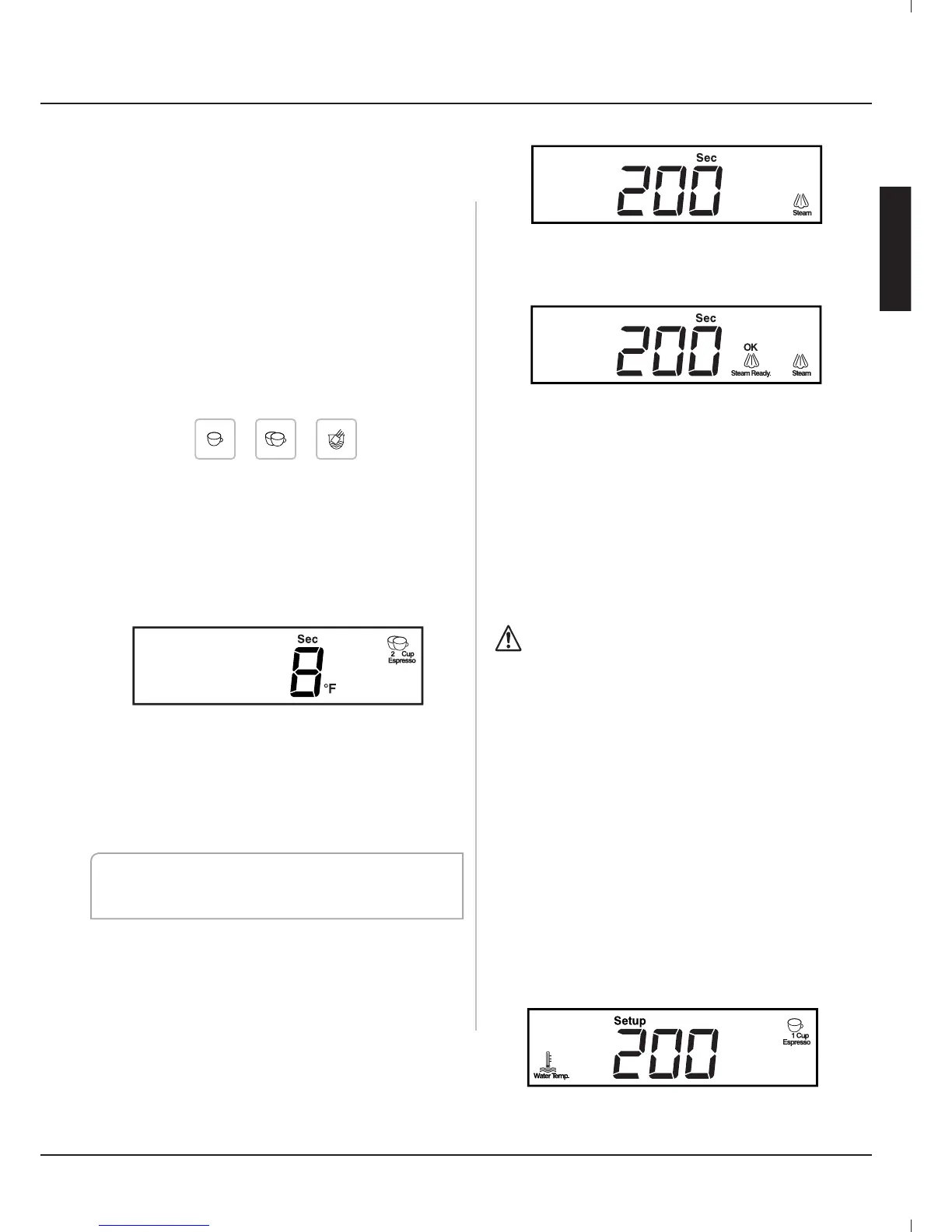
Turn the <menu> button to select the
desired menu item
There are 3 selections:
1 cup Espresso, 2 Cup Espresso and Pod
(Please see the programming section to
change parameters of the menu items)
After the desired menu item is selected,
press the <menu> button. The brew
process starts and the machine will
execute the selected menu item process.
The display will show elapsed brew time.
When the brew process is complete the
internal 3 way valve will release the
remaining pressure in the porta lter
through the relief tube into the drain tray.
Then the porta lter may be removed for
cleaning and another use.
Note: Pressing the <menu> button at any
time during any process will stop the process
immediately
.
1.5. Steam Function
Rotate the <menu> button and select
the <Steam> menu item, then press the
<menu> button to enter steam mode.
The Steam Icon will ash until ready.
The machine will begin to heat the steam
boiler and will display the <OK Steam
Ready> icon when steam mode is ready.
Slowly rotate the steam knob. The steam
will come out from steam nozzle and heat
the liquid to the desired temperature.
When nished clean the steam nozzle
with damp cloth.
Discharge a little steam to clean out the
discharge hole in steam nozzle.
Press the <menu> button again to exit
steam mode. Then rotate the <menu>
button to desired menu selection.
The steam and steam nozzle can be
very hot. Use care when handling.
1.6. Hot Water
Open the steam knob to deliver hot water
from the steam wand. This may be done
at any time the machine is in the ready
status.
1.7. Programming
All menu items have independent
parameters. You can easily setup
personal parameters to suit your exact
requirments.
Press the setup button for few seconds to
enter the programing menu. The “Setup”
icon will display on the LCD display.
CC1
English
7
www.crosslandco ee.com


 To Next Page