Gasman Quickstart guide
3
Quickstart guide
1. Getting started
Gasman familiarisation
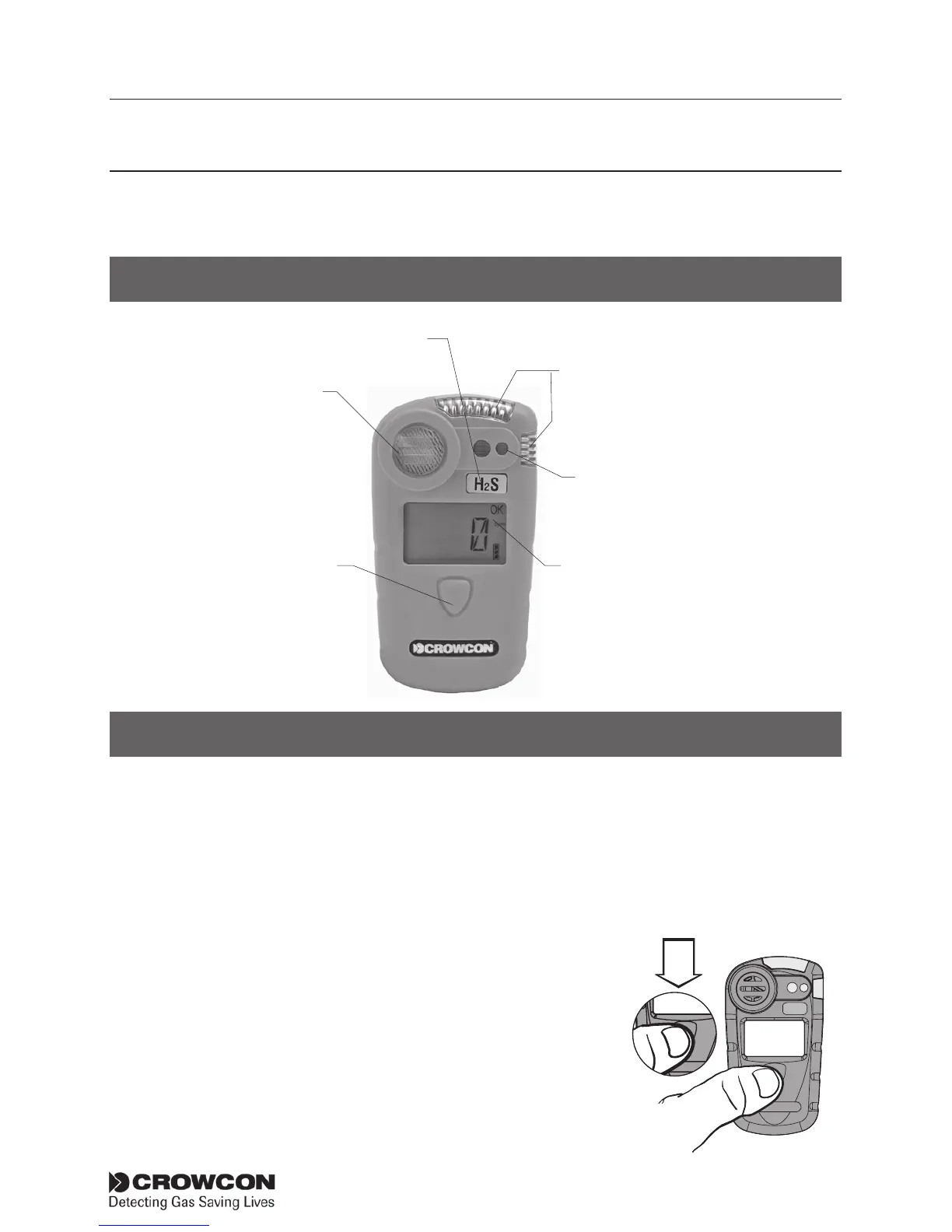
Switching on
Gasman requires little setting up. Follow these simple steps to get your
unit ready for use.
1. Ensure the unit is in clean air.
2. Switch on. Press and hold the operator button for approximately 3
seconds until the red LEDs flash.
The operator display screen will light up and
the unit will begin a warm up sequence.
The user should now check the detector
goes through the warm up sequence
detailed below. In the case of any deviations
the Gasman should be returned to your local
Crowcon office or Service agent.
Gas
Sensor
Gas
name
label
Operator LCD
Display Screen
Operator
Button
Alarm
LEDs
Sounder
outlet
HS
2



 To Next Page