FUNCTION MENU SETUP
Menu 1-17 of this transceiver are channel operations. Channel operations temporarily changed the functions
of current channel. When power off or channel has been changed, the relevant setup will be erased. Only
under VFO mode, the channel operations will be saved until next change.
Menu 18-50 are background operations (menu 20-29 are memory bank setup), it is valid for all channels,
the relevant setup will be saved until next change.
The operating methods are as follows:
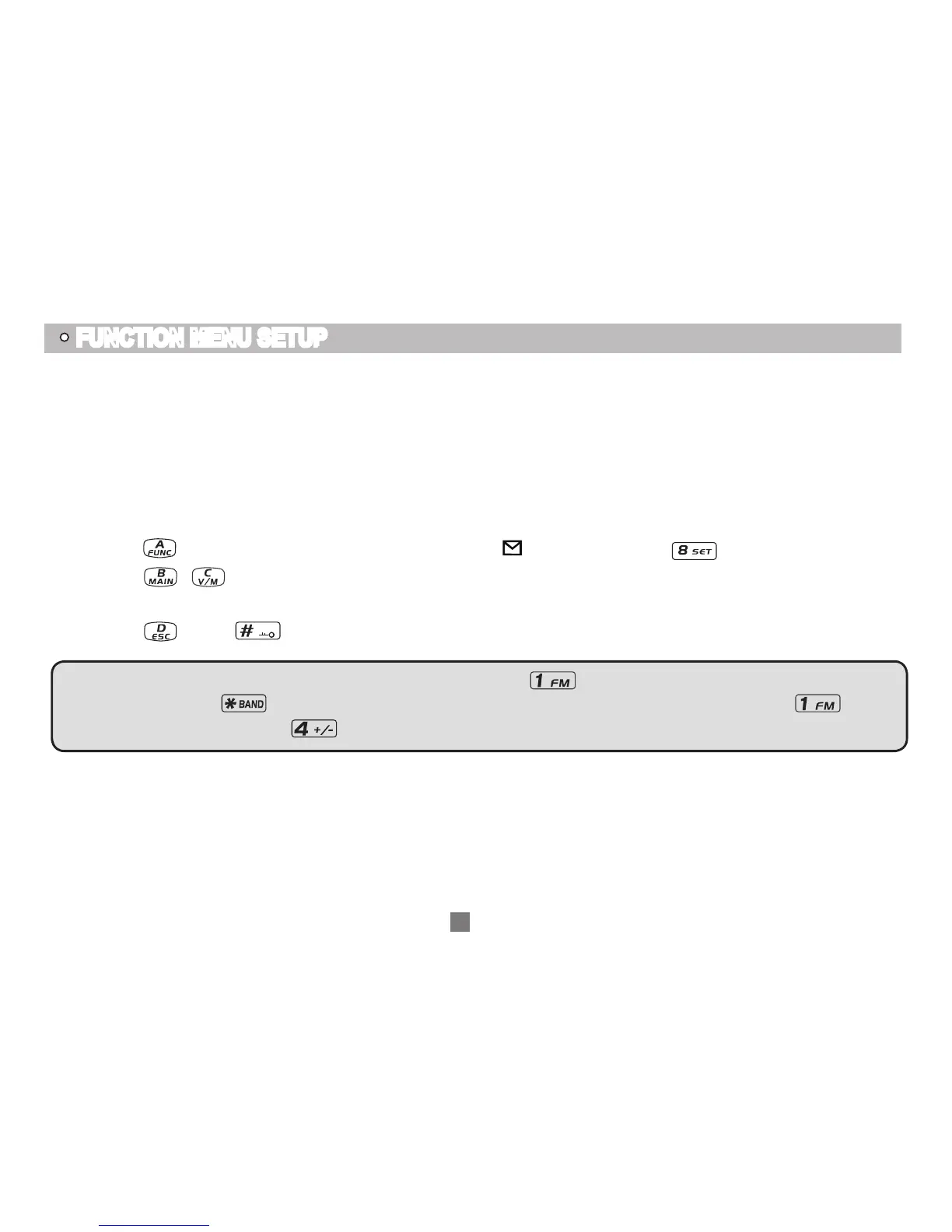
Press
1.
key, the top left corner of LCD displays " " icon, then press key to ente menu.
Press
2.
/ key to choose desired function.
Rotate channel switch to choose desired setting.
3.
Press
4.
key or key to confirm and exit.
Note: When setup CTCSS/DCS encode and decode, press
key to choose CTCSS, DCS or off, when
choose DCS, press key to switch positive and negative code. When edit the name, press key to
shift the cursor down, press
key to shift the cursor up.
22
MSK


 To Next Page