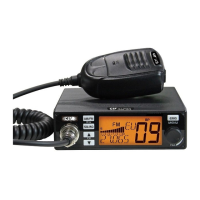
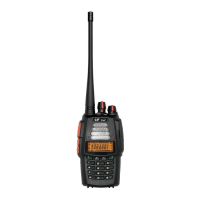
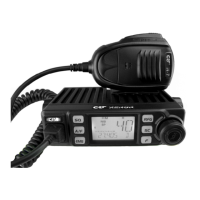
HOW TO USE THIS RADIO
Power on radio
Automatic Power on
Channel control
Choose Norms
1.
Press
key to turn on the radio.
Note: Before using, check if the working frequency and Norms are valid in your country. If
not, change the norms according to following instruction. The radio is defaulted set on
EUH (AM/FM 4W). The norms list see page 12.
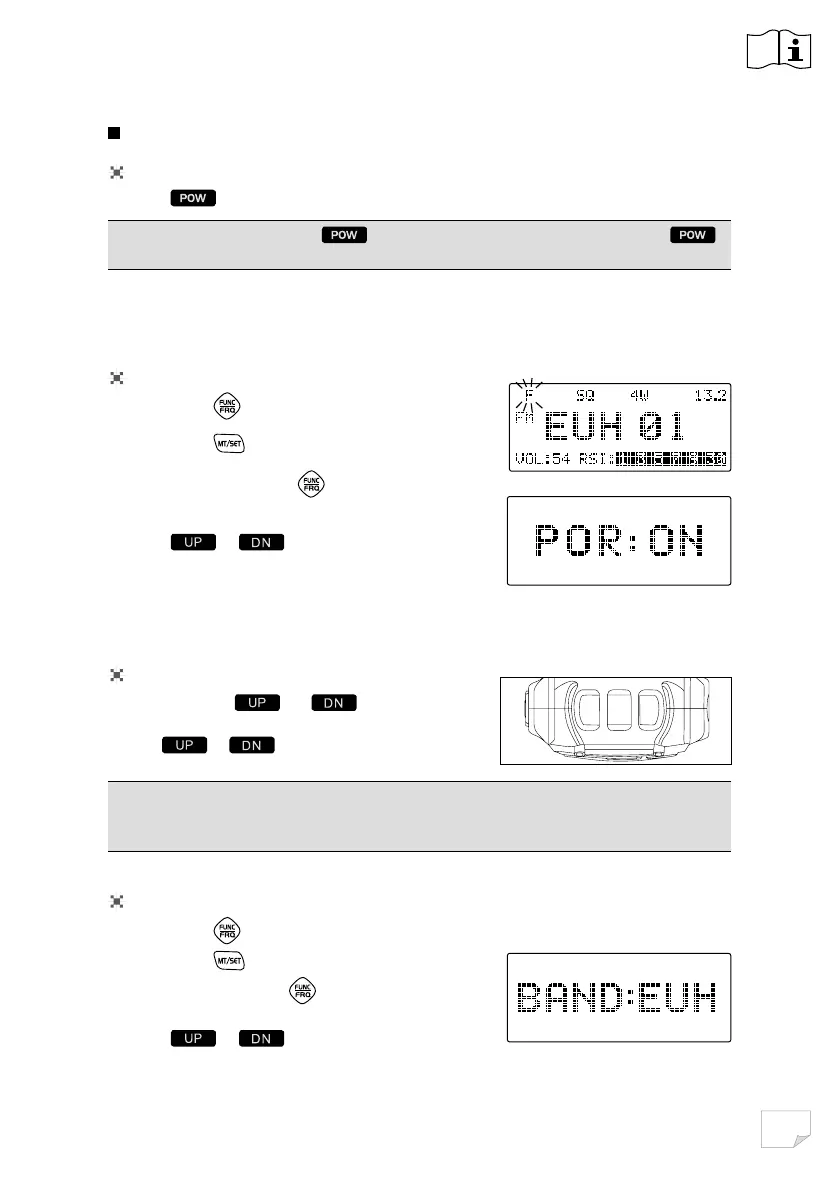
1. Short Press
key, F Icon appear and flashes.
2. Short Press
key to enter Menu.
3. Repeatly short press
key until LCD displays
BAND: XXX
4. Press
or to choose the norms
5. Short press any other key to confirm and exit.
Note
:
When the radio on, hold key until nothing appears on LCD and release
key, the radio will power off.
2. Adjust squelch level until you can hear background noise, refer to Page 7 about
Squelch level setup.
3. Adjust volume level to wanted level, refer to Page 7 about Volume level setup.
1. Short Press
or key to choose
Channel.
2. Hold or key to choose channel fastly.
DN
POWU
P
1. Short Press key, F Icon appear and flashes.
2. Short Press
key to enter Menu.
3. Repeatedly short press
key until LCD displays
POR: XXX
4. Press
or to choose POR: ON.
5. Short press any other key to confirm and exit.
Repeat the above operation will turn off Automatic power on.


 To Next Page