Crumar Seventeen and Seventeen "Parsifal" User's Manual
DIFFERENCE BETWEEN USB PORTS.
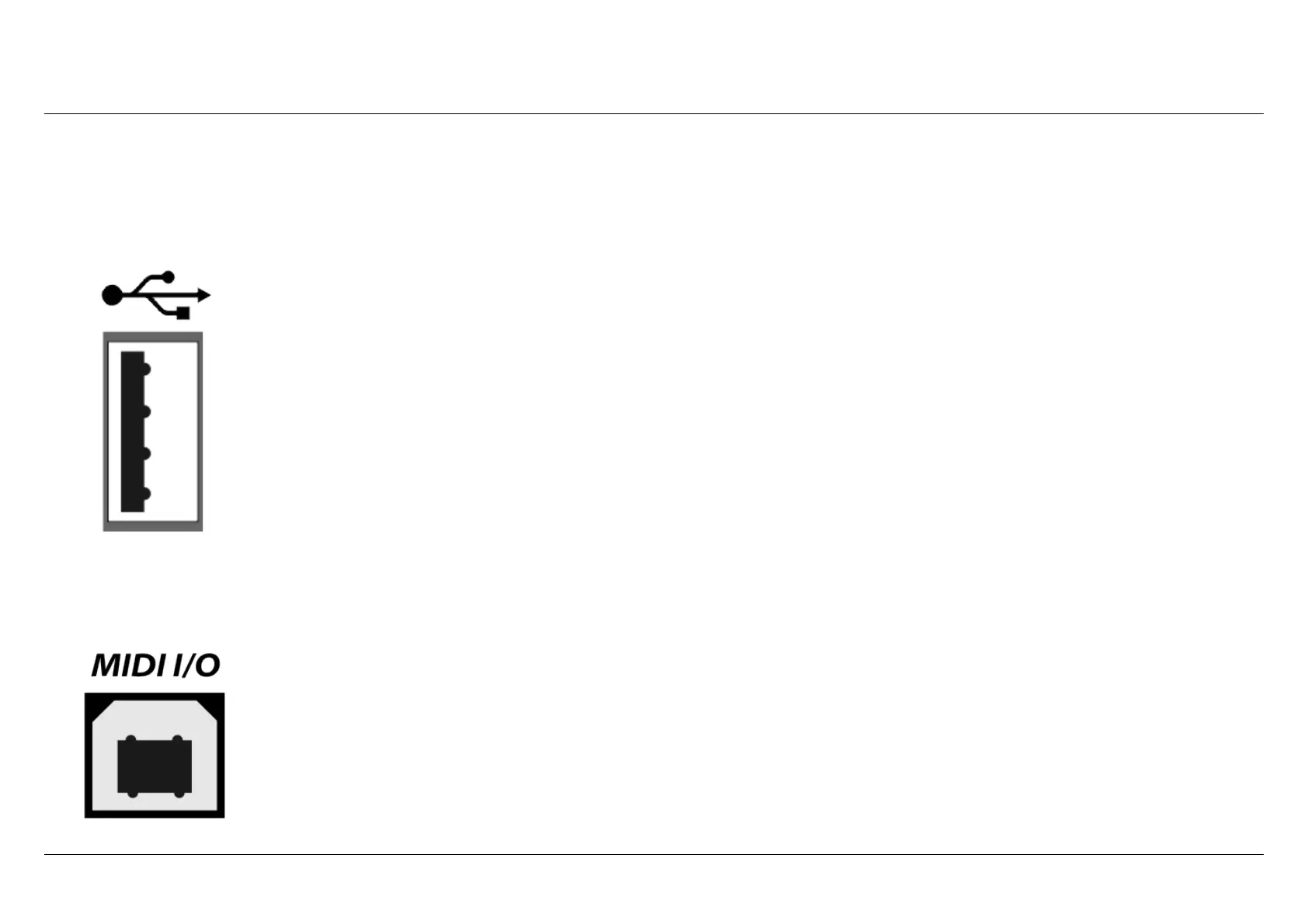
SYSTEM USB - TYPE-A
Seventeen includes a Type-A “host” USB 2.0 port. This is mainly used to update the software in case a new release
is available, to load sample content and for import/export presets. In order to be able to perform these
operations you need to plug here a USB dongle drive FAT32 formatted, be sure that the files inside the
drive are not zipped.
Another interesting use for this port is the possibility to connect a “Class-compliant USB-MIDI device”, i.e. one of
the many MIDI devices that don't need special drivers when they are connected to a computer. Seventeen will
automatically recognize USB-MIDI devices and will use them to control parameters or play notes. Any MIDI unit
can be connected, for example a keyboard, a pedalboard or a control surface.
Avoid connecting unsupported
devices to these port. This port can supply a max of 250mA of current. We cannot guarantee the full
compatibility of equipments connected to this USB port. Seventeen does not support the Crumar WIFI
dongle and a WIFI editor is not available for this model. You can edit the instrument using the integrated
display and navigation buttons in the control panel. Do not use these ports to charge mobile devices.
MIDI I/O USB
An additional Type-B USB 2.0 port is present: it provides Class-compliant USB-MIDI IN/OUT connection to your
computer. Use this port to connect the Seven to your computer software. No drivers are needed for Windows,
OS X and Linux.
Seventeen does not support the online wired USB editor and it is not necessary because
you can edit the instrument using the integrated display.
Crumar Seventeen User's Manual - Page 11



 To Next Page