Crumar Seventeen and Seventeen "Parsifal" User's Manual
If a new firmware update is released for your Crumar Seventeen, you have to first download it from www.crumar.it on your computer,
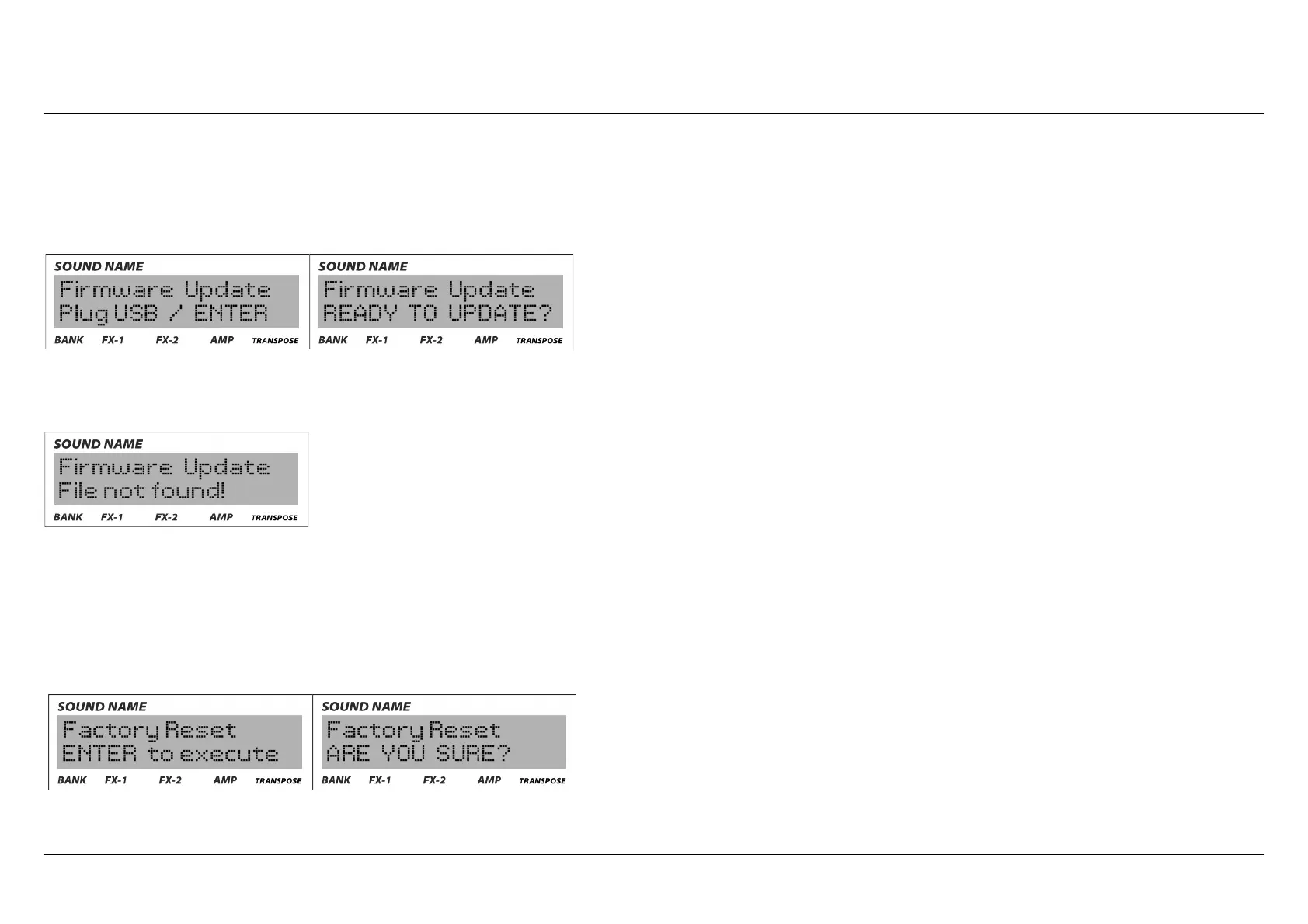
unzip the file and transfer it to a compatible USB drive. Plug that USB drive to the system USB port of your instrument, enter the "edit"
mode and reach the firmware update page. A confirmation is required.
If the file is corrupted, still zipped, non-compatible or if the unit is unable to read from that USB drive, you will receive an error message.
Factory reset: the name says it all. With this option, your instrument will revert back exactly like when it left the factory. Every user-
defined preset, setting, expansion installed will be erased. The only exception is the firmware. If you previously installed a new firmware
update, the new one will stay in the instrument also after the factory reset. This is a irreversible operation, that's why a confirmation is
asked.
Crumar Seventeen User's Manual - Page 25



 To Next Page