OPERATION
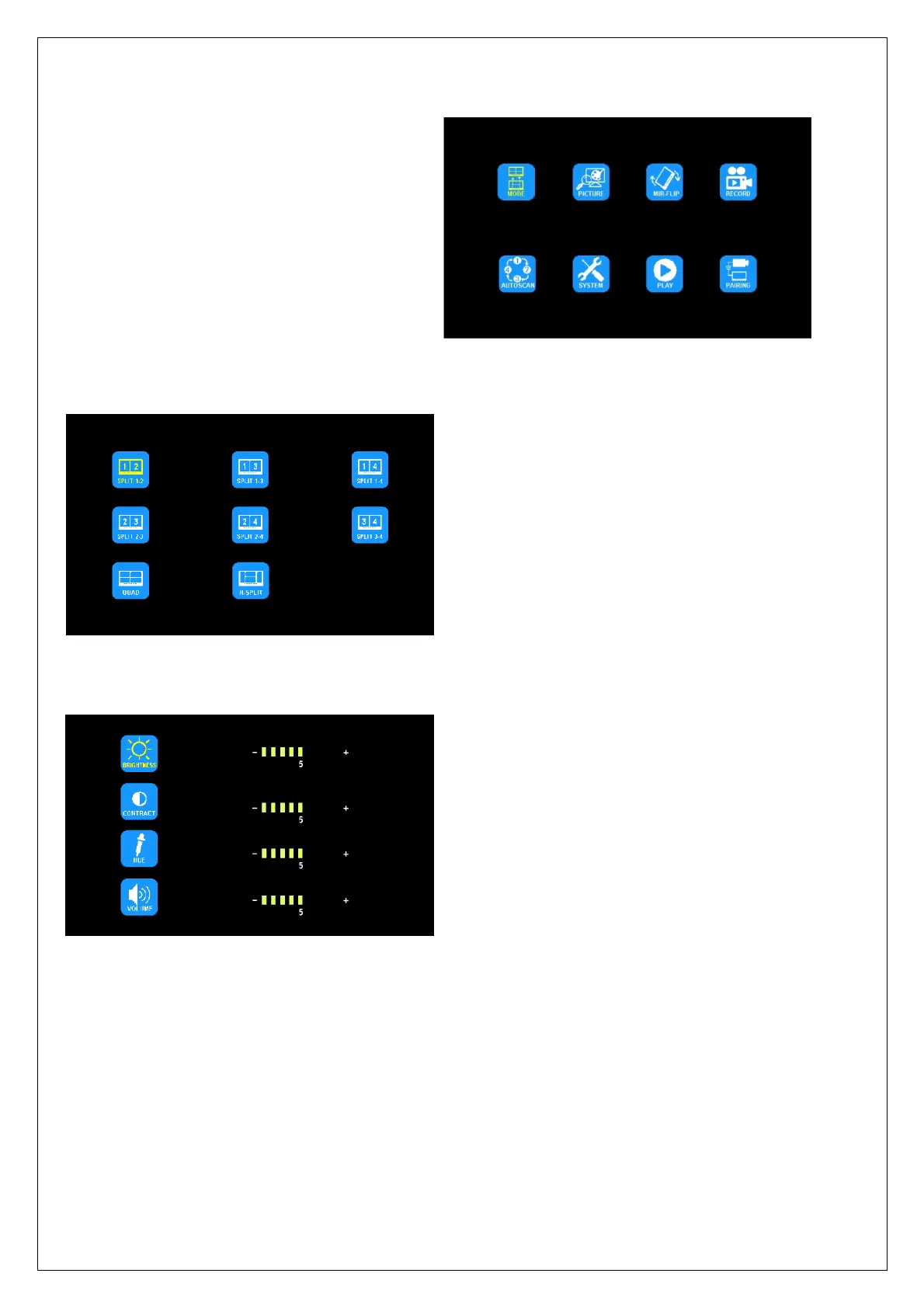
Press MENU to display the following options and settings:
1. MODE
2. PICTURE
3. MIR-FLIP
4. RECORD
5. AUTO SCAN
6. SYSTEM
7. PLAY
8. PAIRING
1. MODE
Press < or > to select MODE and press OK to enter the submenu. Press < or > to select QUAD/H-SPLIT/SPLIT.
Press MENU to return to the main menu.
2. PICTURE
Press < or > to select PICTURE and press OK to enter the submenu.
Press < or > to select BRIGHTNESS / CONTRAST / HUE / VOLUME, and then press OK to enter the setting
accordingly. When the icons turn red, press < or > to set the values. Press OK to exit the menu. At the submenu,
press MENU to return to main menu.



 To Next Page