Emizon TCD
Step 2 - Connecting Paths
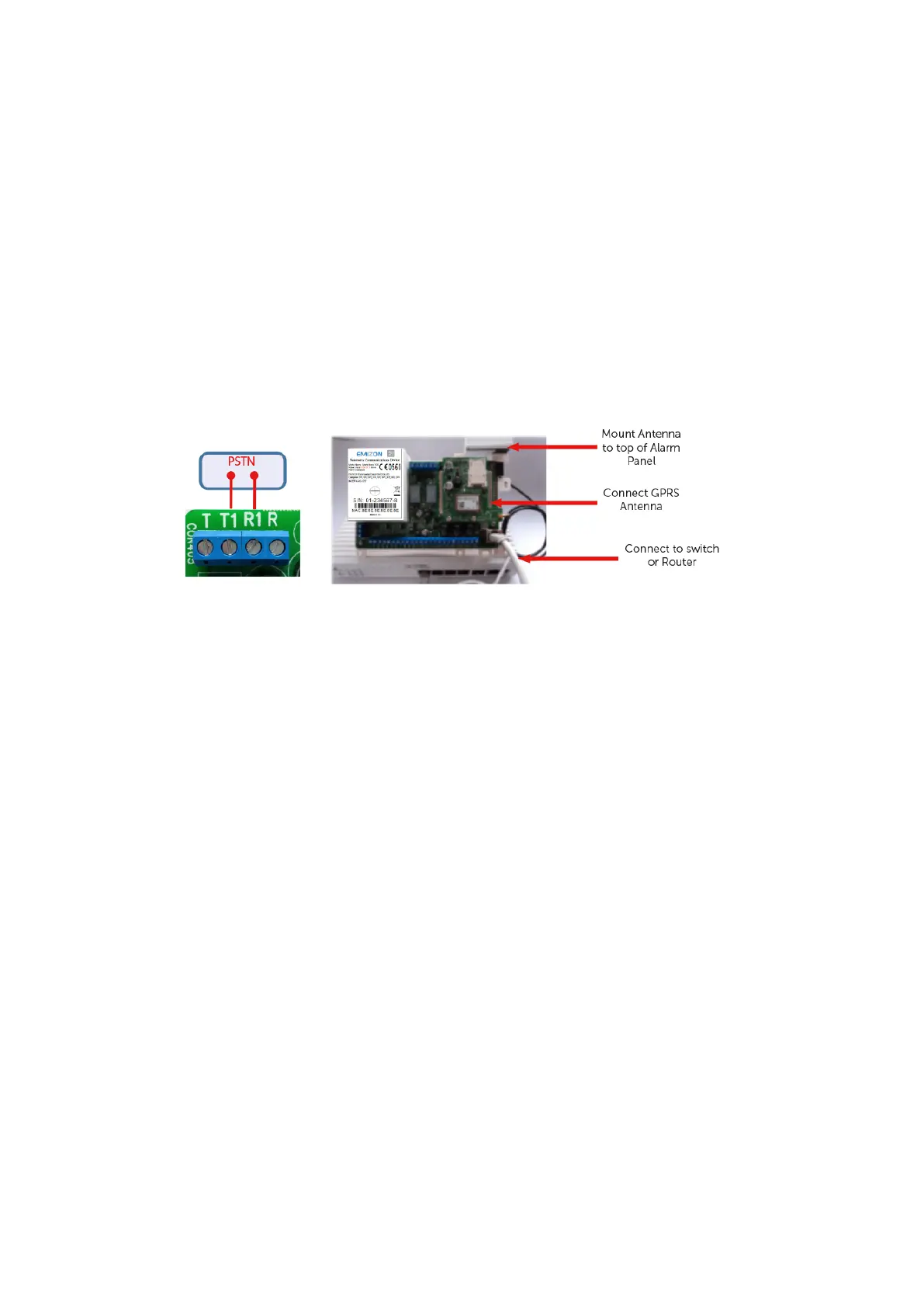
For IP (Broadband) For IP/GPRS connections, connect the Ethernet Port to the
network connection Router in the customer’s premises using Cat5 or higher
“unshielded Cable. Connect the GPRS antenna.
For GPRS/PSTN Connect the GPRS antenna or the High Gain Antenna. For a PSTN
connection remove the Dial Capture lid and connect the PSTN line to Terminals T1
and R1. NO OTHER COMBINATION WILL WORK! Check for voltage across T1 and R1
(should read approximately 50V).



 To Next Page