9
Normal Counting
If in doubt, press the CLR button before counting to clear the batch-counting
preset. Press START / RESET to clear a previous error condition.
In standard mode, place the stack of notes on the hopper and either the machine
starts automatically counting or you need to press the START / RESET button
to initiate counting. See the ‘manual/automatic operation’ section below.
Batch Counting
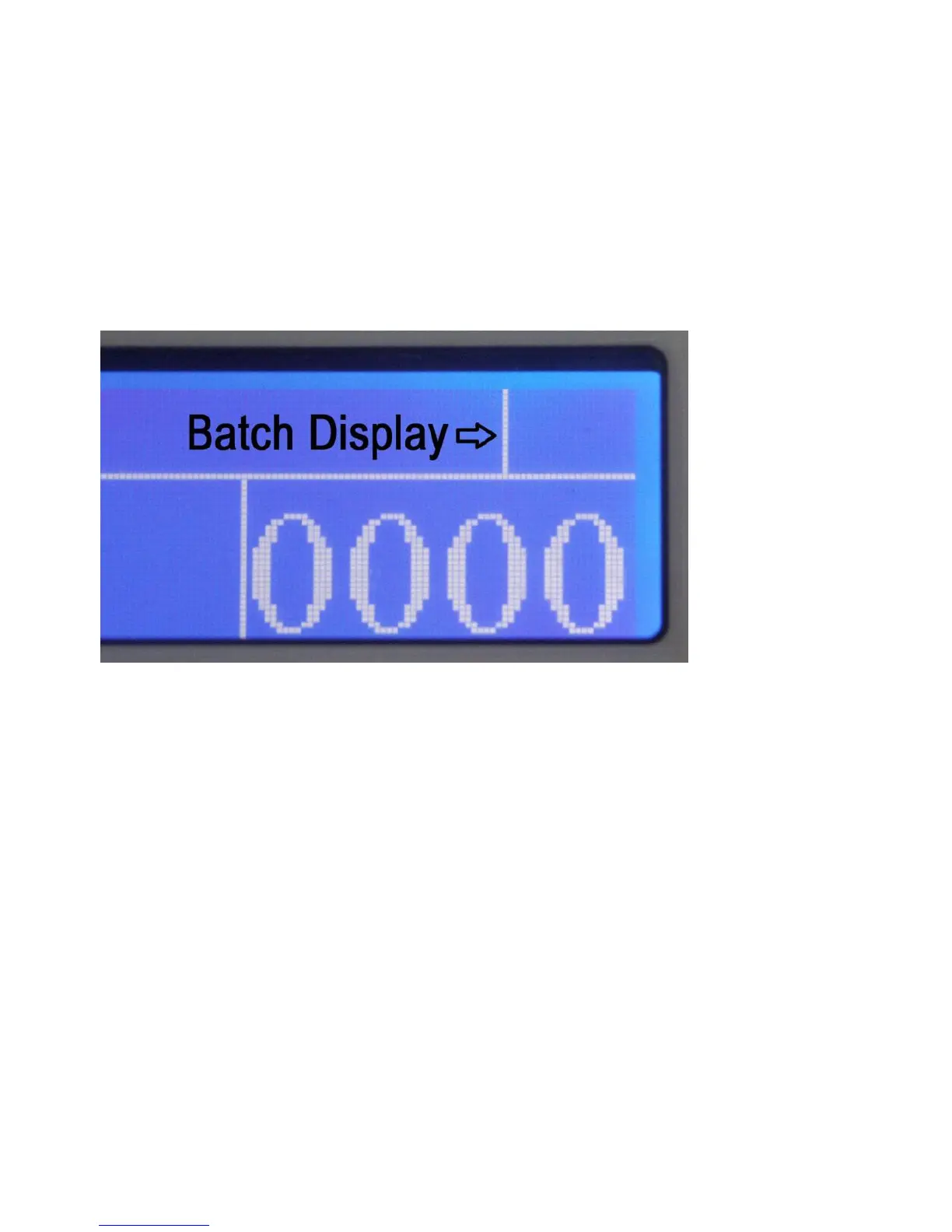
Batch Preset Display
When there is no preset for batch counting the Batch Display is empty. With no
error message on the display, the display is ‘empty’ and pressing the numerical
keys enters a preset for batch counting. Any number from 0 to 999 is accepted.
The last three digits entered are used for the preset. When entering more than
three digits, the leftmost digit is moved out of the display. That makes entry error
corrections easy.
If there is an error displayed press START/RESET to clear the display. Enter the
number of notes you want to have counted. This number is shown in the top right
corner of the display.


 To Next Page