10
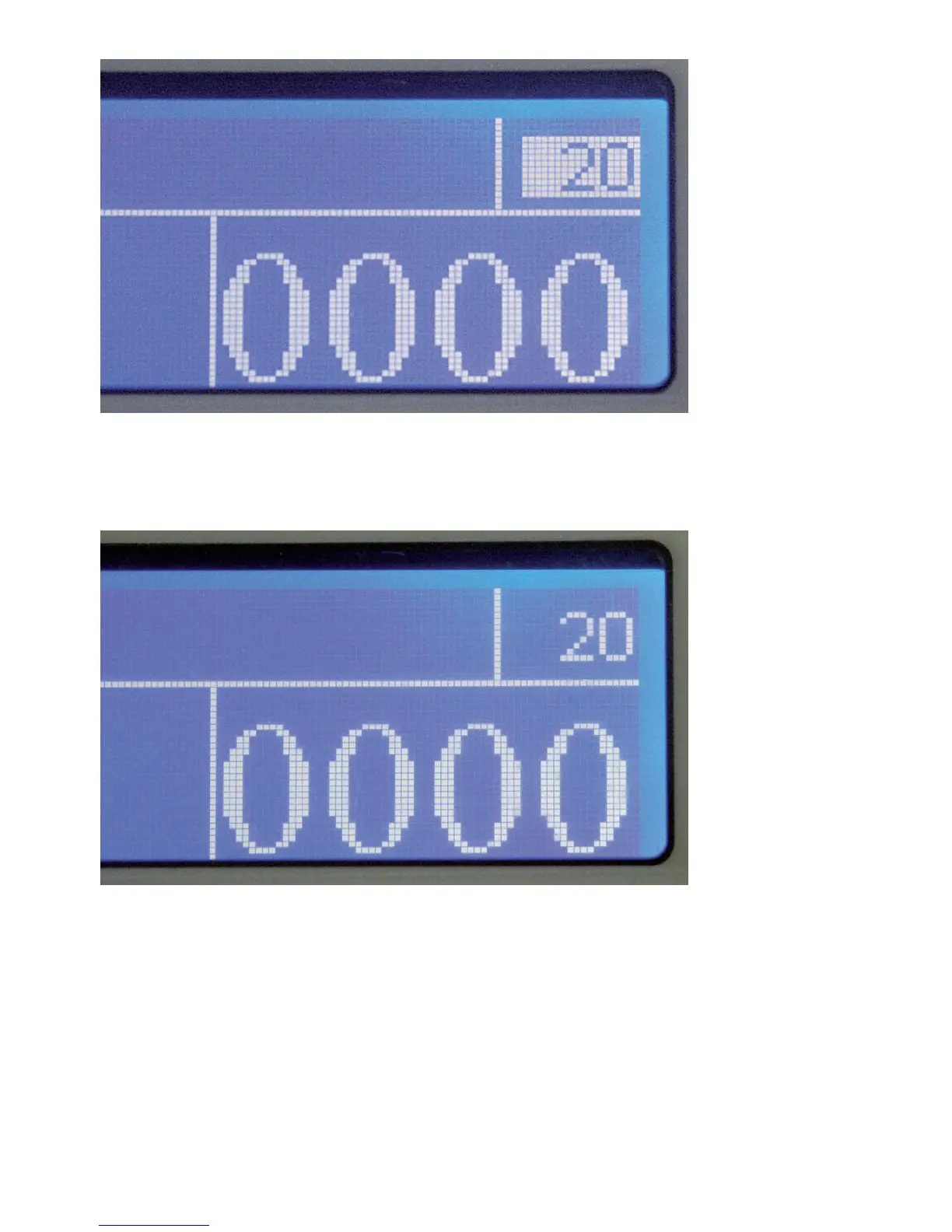
A preset of twenty notes entered
Pressing START/RESET confirms the setting (optional). A confirmed display
looks like this:
Confirmed preset of twenty notes
Place the stack of notes in the hopper and either the machine starts automatically,
or, if in manual mode, press the START/RESET button. After the number of
notes for one batch is counted, the machine stops and displays the number of
notes counted in the large display window on the right of the display for
confirmation.


 To Next Page