11
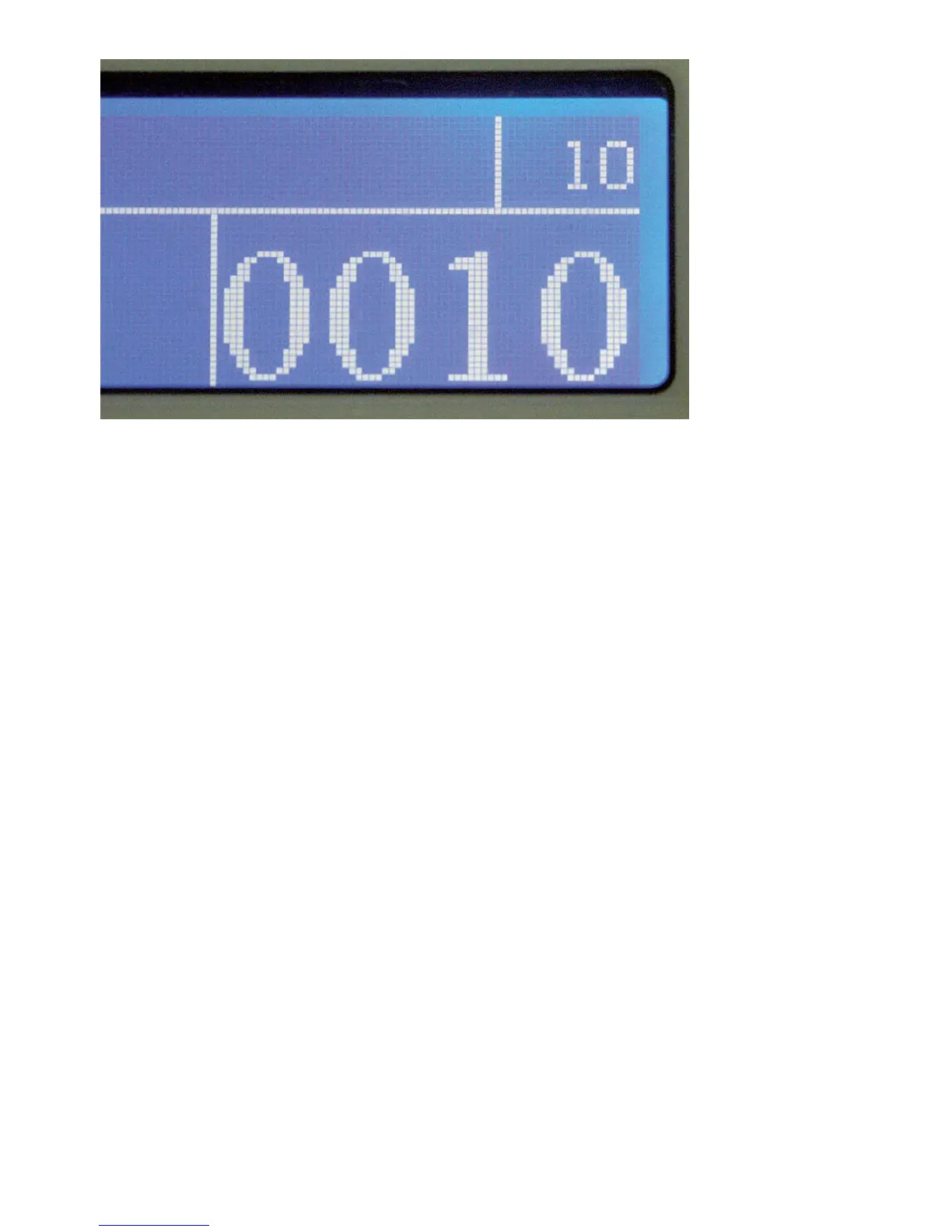
Finished count of a batch of ten notes.
Take out the notes from the stacker. In AutoStart the machine continues counting
until the notes from the hopper are used up or the next batch preset is reached. In
‘Manual Mode’, press START/RESET to continue. There might not be enough
notes in the hopper to make up for a complete batch. Always compare with the
display to make sure your batch is complete.
Adding Up
In SETUP mode press ADD to toggle the ADDing mode. Counted batches of
notes will now be added to memory automaticly after a batch is counted, accepted
and removed from the stacker. The last counted batch can be cleared from the
total by pressing the CLR button one time. Pressing the CLR button two times
will clear the memory. If notes are rejected remove all notes from stacker and
hopper, and press the START/RESET button and CLR button one time to
clear the batch from the display. The display will show the sum of the last couted
baches with out the rejected batch.
With the accumulation function active, a Sigma (Σ) is shown in the top row of the
display. In Value Counting Mode please make sure that the accumulated amount
does not exceed the display capacity.
Offending Notes
Should the machine find, according to your set-up, offending notes, the counting


 To Next Page