9
Adjusting the Resistance
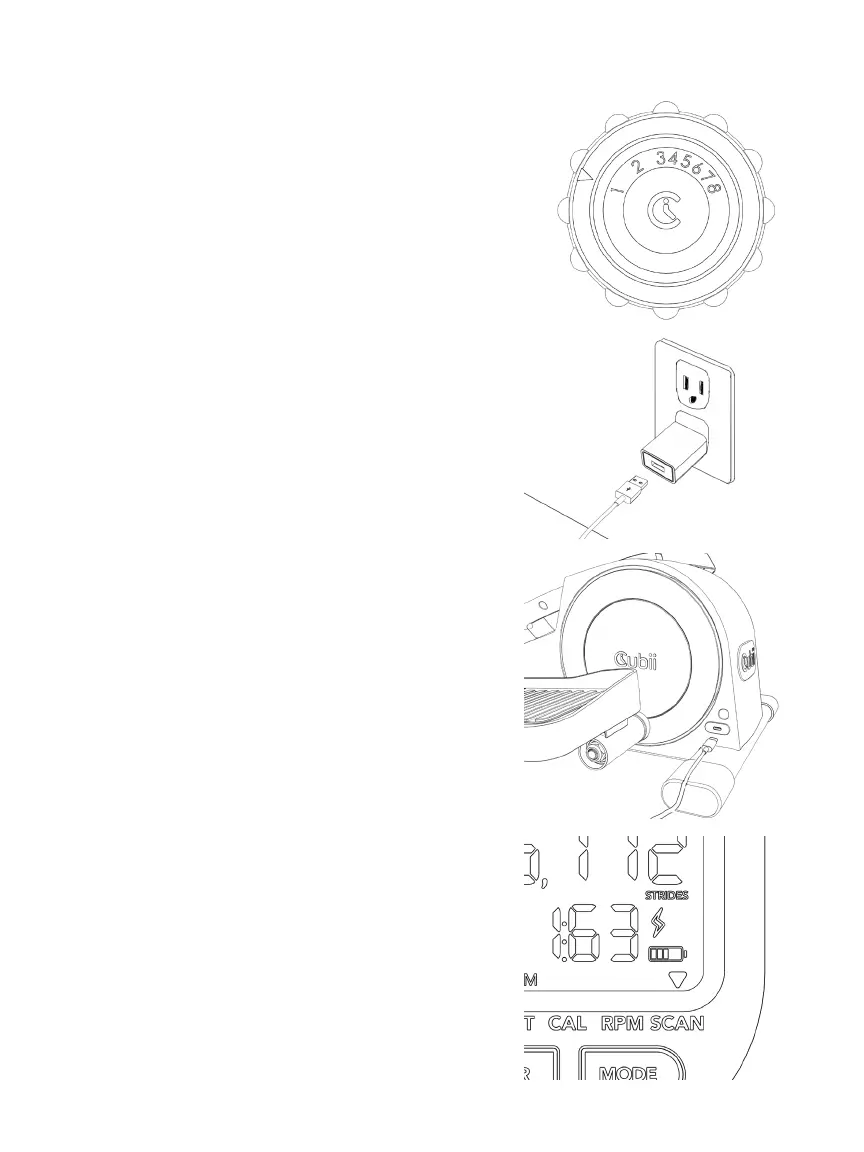
Cubii JR1+ has 8 resistance levels. Adjust
your workout intensity by turning the
resistance control knob. Level 1 is the
lowest intensity and level 8 is the highest.
We recommend you begin at Level 1 and
increase the intensity gradually over time.
CHARGING YOUR CUBII ELLIPTICAL
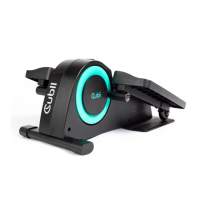
Step 1 — Connect Wall Adapter
Connect the charging cable to the wall
adapter and ensure wall adapter is
plugged into power source.
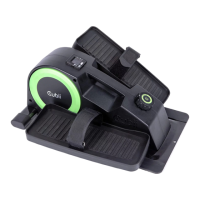
Step 2 – Locate Charging Socket
Locate the charging port on your Cubii
elliptical and plug in the cable.
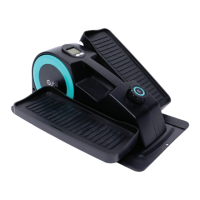
Step 3 – Check Display for
Charging Symbol
Once the charging cable is plugged in
and charging your elliptical, the screen
will power on and the lightning bolt
symbol will ash to indicate the charge in
progress. The lightning bolt symbol will
remain solid when it is fully charged.
IV. Using Your Cubii JR1+


 To Next Page