14
IV. Using Your Cubii JR1+
Installing the Cubii App
To download the app for a device, search for “Cubii” in your
app store. Click “Install”/ “Get”. Once it’s nished installing, click
“Open.” Once you open the app, you will be prompted to create
an account. If you already have the Cubii app installed, check for
available updates to make sure you have the latest version.
Pairing your Cubii Elliptical with the Cubii App
In order to pair with the Cubii app, please follow these
instructions:
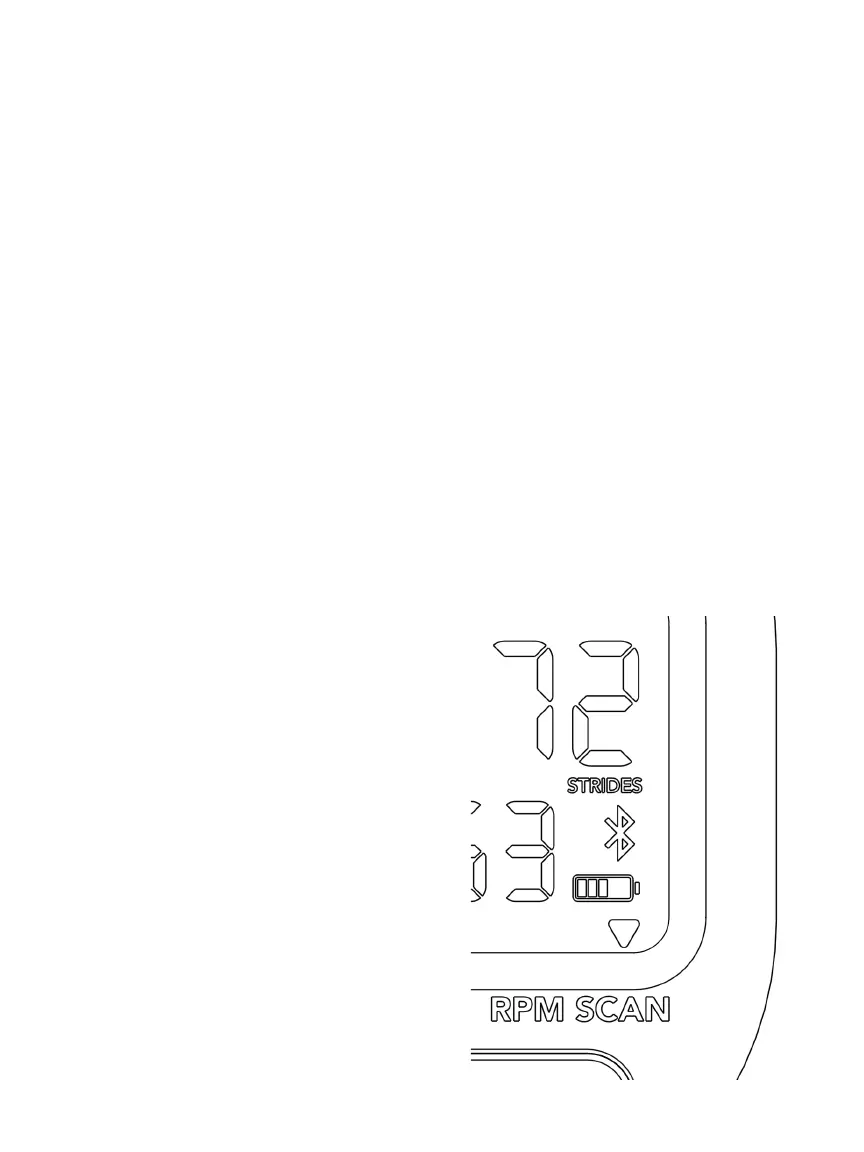
1. Start pedaling to trigger the Bluetooth® signal. You’ll see the
Bluetooth® symbol glow and start blinking.
2. Conrm that you’ve enable Bluetooth wireless technology in
your device’s settings.
3. Upon opening the Cubii app for the rst time, you will be
prompted to create an
account. Be sure to review/
accept the Terms of Use and
Privacy Policy.
4. Complete your prole and
follow the other in-app
instructions.
5. The app will detect your Cubii
elliptical via Bluetooth®. Select
your elliptical in the app.
6. Once successfully paired, the
Bluetooth® symbol on your
built-in screen will stop blinking.
7. The app will ask if you would
like to become User 1, User 2,
or proceed as Guest. Make a
selection.


 To Next Page