5
Wireless
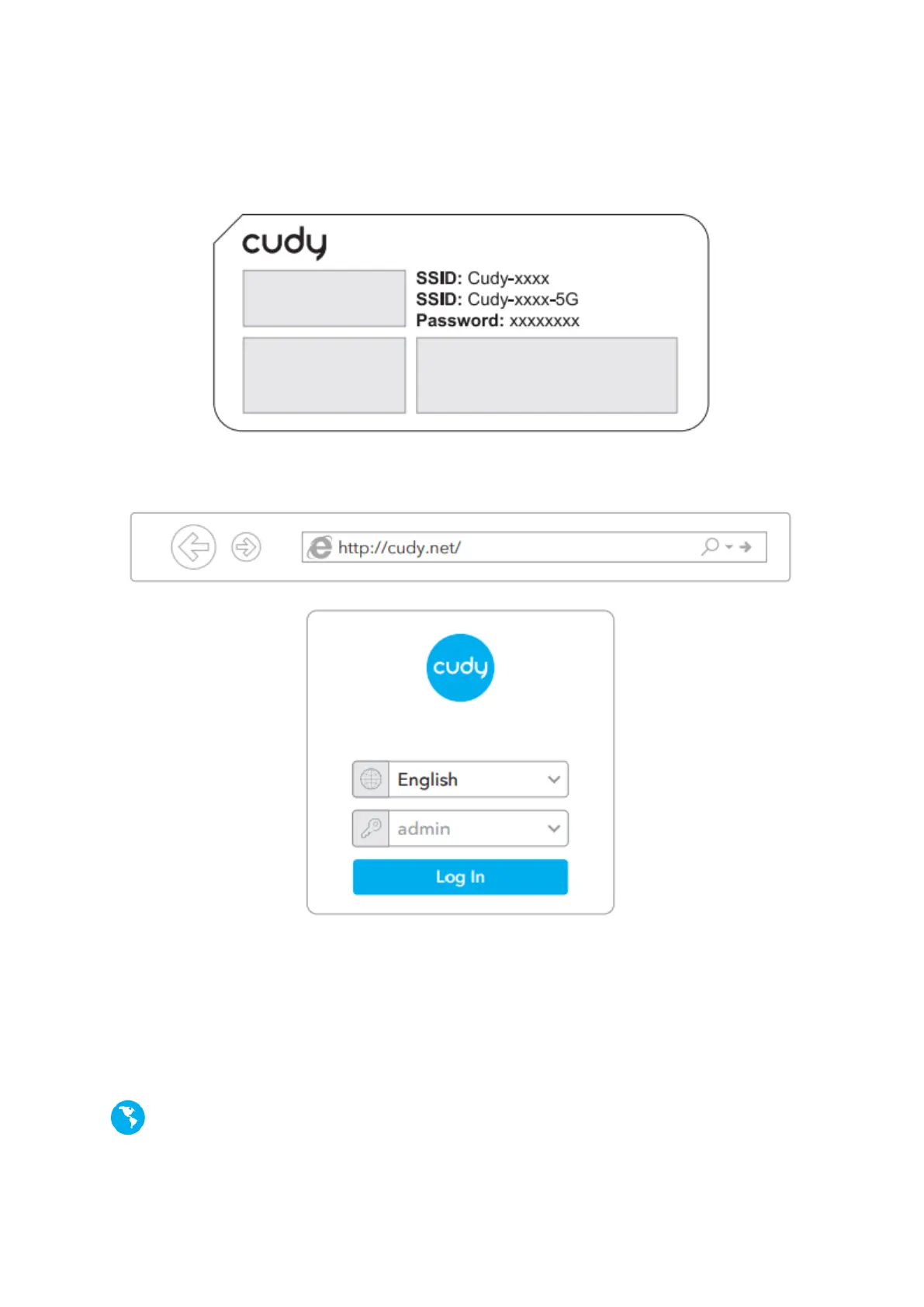
Connect your device to the routers Wi-Fi using the SSID (network name) and Password
printed on the bottom of the router.
7. Launch a web browser and enter http://cudy.net/ or http://192.168.10.1/ in
the address bar. Use admin for password to log in.
Note: If the login window does not appear, please refer to FAQ > Q1.
8. Then below window will pop up please follow the step-by-step instructions
to set up the internet connection.
Enjoy the internet!


 To Next Page