40 Series Granulators Page 23
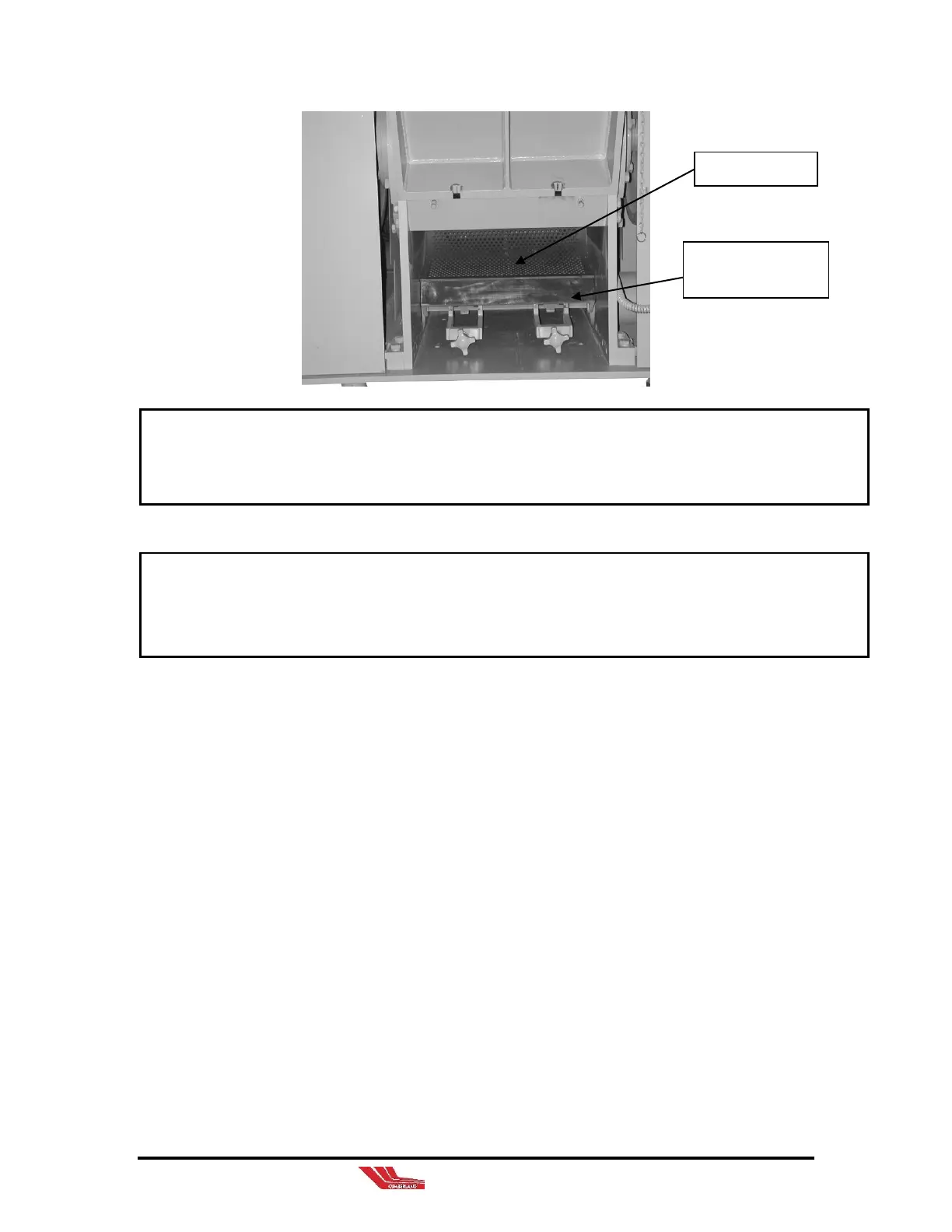
DO NOT LET THE SCREEN CHAMBER DROP!! Guide cradle to it’s resting
position.
6. Remove the screen(s) and place them upright on their side.
The knives mounted on the rotor, and the bed knives located at the edges of the
cutting chamber, are extremely sharp. Always wear heavy gloves and exercise
care when working in the cutting chamber.
5-2 Closing Screen Chamber
1. Ensure all tools, screws, and debris is removed from the
inside of the screen chamber.
2. Place the screen back into its original position, ensuring it
is fully seated within the cradle, then CAREFULLY raise
the chamber to its closed position. Tighten the captive
screws.
3. Insert hopper into the screen chamber slide ways.
4. Before leaving the area, make sure all components are
connected properly.
5. Replace access cover and close doors on optional
enclosures.
Screen chamber in
resting position.



 To Next Page