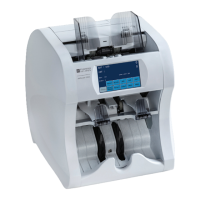
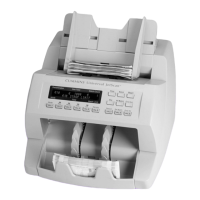
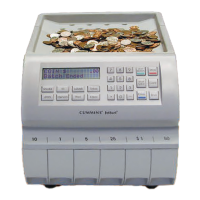
1.
Turn power
(rocker panel to
).
2.
Disconnect power cord from the rear of the Universal
JetScan.
3.
Lift adjustable hopper to the upright position.
4.
Remove feeder plate as shown.
5.
Firmly push down on left and
right release levers and pull
front enclosure open for access
to paper path.
6.
Clean the black start sensor with a microfiber towel. The sensor is the dark-colored area at
the top, middle of the feeder plate as shown in Step 4.
© 2014 Cummins-Allison Corp.


 To Next Page