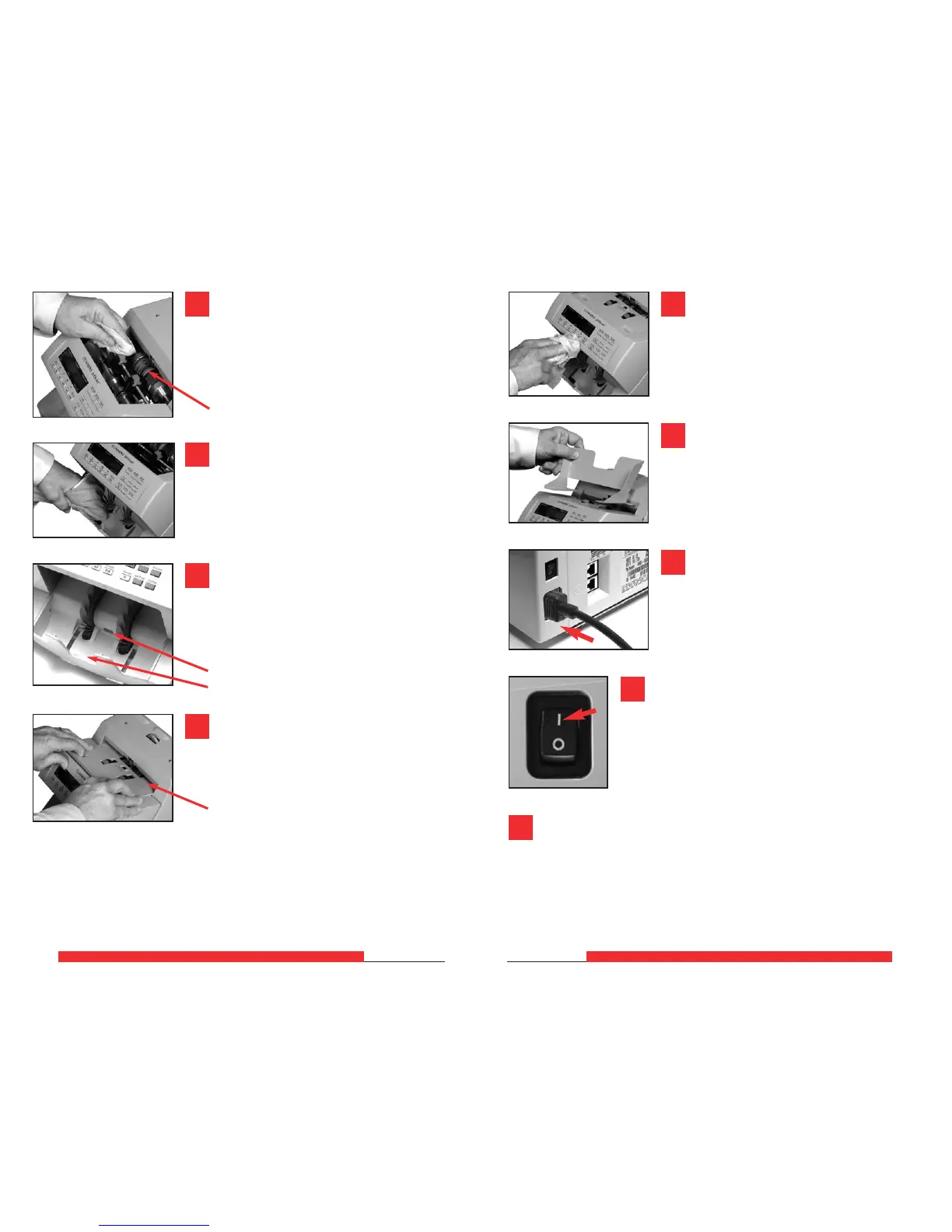
Replace feeder plate. Insert curved edge
of feeder plate first. Gently press down
on feeder plate until it snaps into position.
Curved edge
Clean exterior surfaces as necessary with
a Simple Green
®
Safety Towel.
Replace hopper extension.
JetScan
™
DAILY CLEANING
6
JetScan
™
DAILY CLEANING
7
Use a Simple Green
®
Safety Towel to
clean all rubber sections of the large, black
feed rollers. Rotate the rollers.
Also clean the flat, center rubber-drive tire.
Use a microfiber towel or vacuum
to remove any remaining dust in
the bottom stacker.
Use a microfiber towel to clean the stacker-
sensor lens located in the stacker tray
between the two gray stacker wheels.
Clean the stacker mirror located directly across
from the stacker-sensor lens.
Stacker-sensor lens
Stacker mirror
Flat, center rubber-drive tire
7
8
9
11
10
12
Carefully reconnect power cord.
13
Turn power ON (rocker panel to I).
14
Perform a test run with some currency.
15



 To Next Page