To place an order in the United States, please call 1-800-745-9483,
visit www.CumminsSupplies.com, or contact your local Cummins
representative.
To place an order outside of the United States, contact your local
C
ummins representative.
JetScan
™
STOPPING CONDITIONS & RECOVERY
9
JetScan
™
DAILY CLEANING
8
SAMPLE
JetScan
™
Q
uick Reference
for
Stopping Conditions
and Recovery Steps
In operation, the JetScan currency scanner display will advise users
of conditions that have caused the machine to stop. These stopping
conditions require attention.
Stopping-condition displays are shown in alphabetical order on the
following pages, along with brief explanations and steps that should
be taken to continue operation. A sample is shown below.
Explanation
Display
(Listed alphabetically)
Remove all notes from the bottom stacker and place them on the top
hopper. Press Cont. If an alarm repeatedly occurs, adjust the gray
thickness dial located on top of the machine behind the hopper. Rotate
in the negative (-) dir
ection as indicated by numbers on front of the
thickness dial.
DISPLAY
JetScan may have processed
two or more notes as one.
➧
Necessary steps
to continue operation
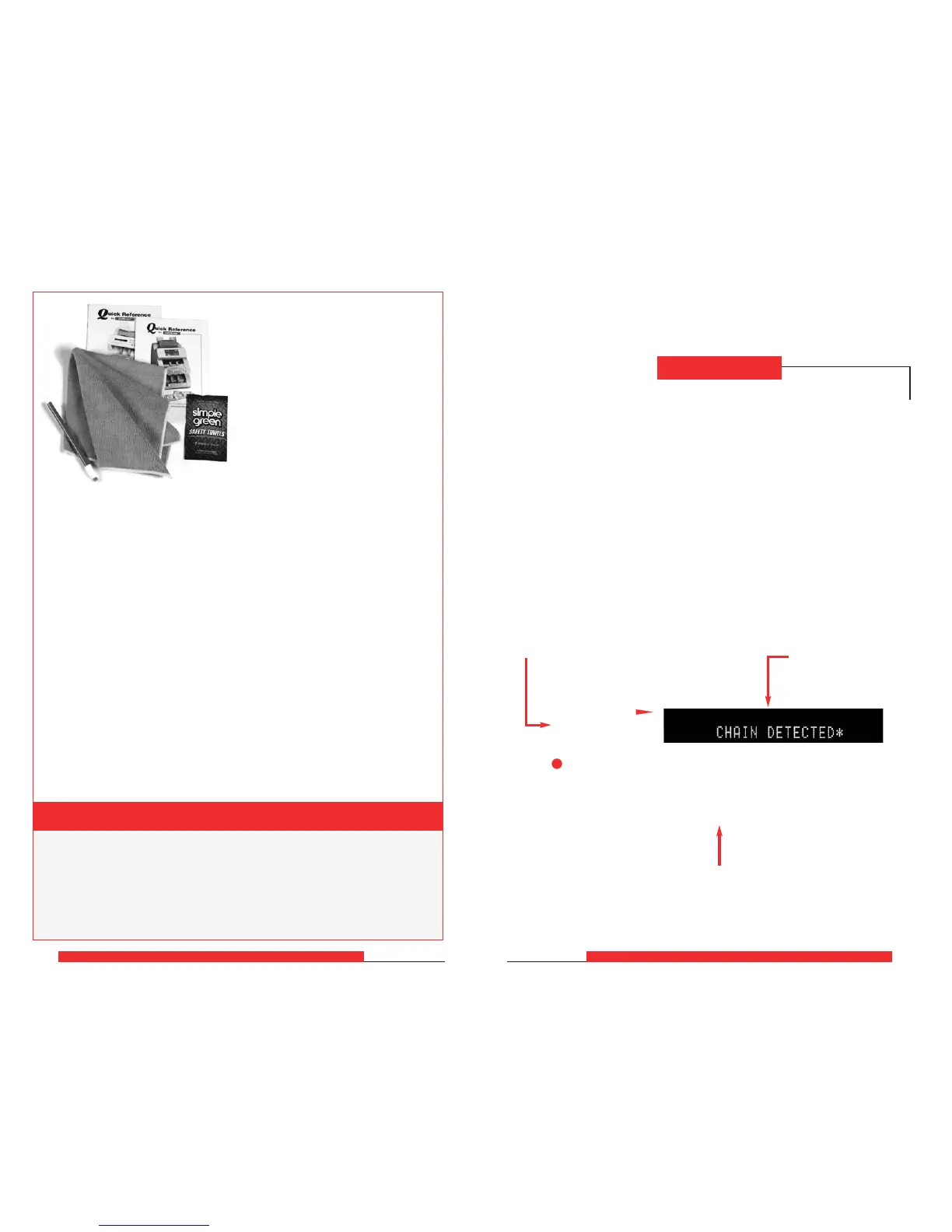
The following items are
available for purchase through
Cummins-Allison Corp.
How to Order
Cleaning Supplies
Desktop-Currency-Equipment Cleaning Kit
(Part Number: 406-1000-0
1.)
The kit contains:
• 2 stick erasers
• 20 microfiber towels
• 50 Simple Green
®
Safety Towels
• Quick-reference guides
Items Sold Separately
• 1 stick eraser
. (Part number: 022-1695-00.)
• 20 microfiber towels. (Part number: 022-2223-00.)
• 50 Simple Green
®
Safety Towels. (Part number: 022-2118-00.)
• Vacuum. (Part number for standard vacuum: 022-1959-00;
part number for heavy-duty vacuum: 022-1308-00.)
Power-Adapter Cable (Part Number: 022-1962-00.)
This cable allows the power cord that is disconnected from the rear
of the JetScan to be used to power the vacuum.



 To Next Page