• If several brake lights of the vehicle or electri-
cally connected trailer are damaged.
•
If the vehicle is reversing.
•
In case of snow or heavy rain.
•
In case of dazzling sun or total darkness.
•
Entrances and exits of tunnels.
•
In complex driving situations (such as traic
islands, cut-through roundabouts, etc), Front
Assist may issue warnings and intervene in
braking in an unnecessary manner.
For more details, see section ››› page 155.
Manual activation and deactivation
of the function
Fig. 135 On the screen of the instrument
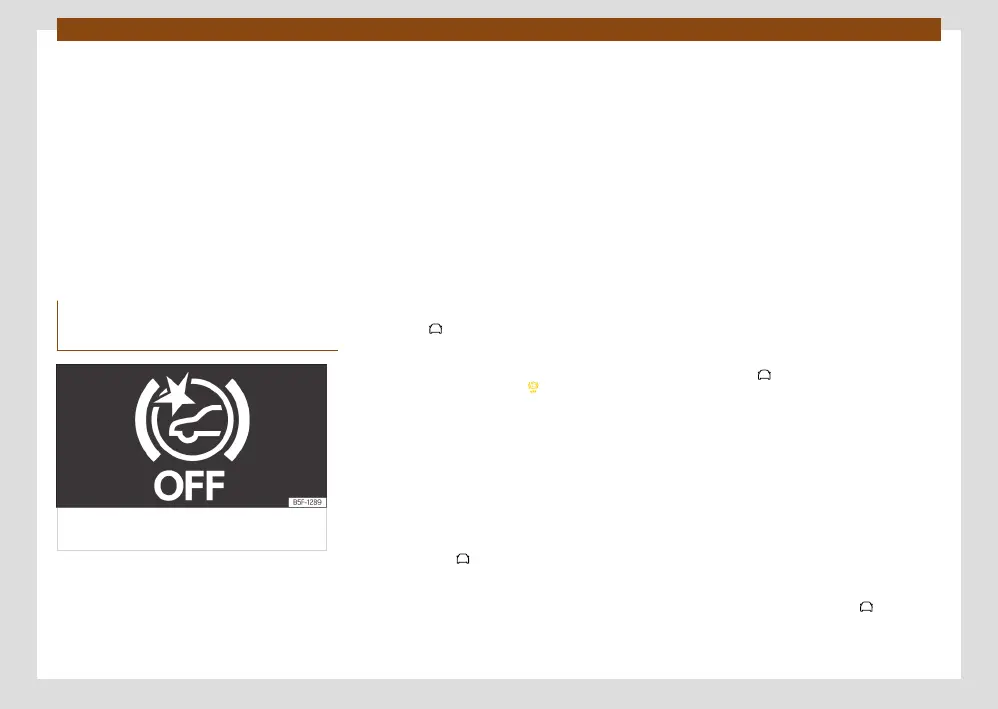
panel Front Assist switched o message.
Front Assist indicators appear on the instru-
ment panel display.
The Front Assist is active whenever the ignition
is switched on. At the time of starting the ig-
nition, the Front Assist may not be available
for a short period of time while the system
starts. During this phase, the instrument clus-
ter screen will display the following indication
››› Fig. 134.
When the Front Assist is disabled, so too are
the advance warning and the distance warn-
ing functions. CUPRA recommends leaving the
Front Assist activated except in the situations
presented in ››› page 173.
Switching the Front Assist on and o
With the ignition switched on, the Front Assist
can be deactivated or activated as follows:
•
In the infotainment system: press the func-
tion button > Assistants > Smart Assis-
tants > Front Assist ››› page 36.
When Front Assist is disabled on the instru-
ment cluster, the indication will be dis-
played.
Each time the ignition is switched on, the Front
Assist will reappear as active.
Activating or deactivating the pre-warning
(advance warning)
The advance warning can be switched on
or o in the infotainment system using the
function button > Assistants > Smart As-
sistants > Front Assist ››› page 36.
The system will store the setting for the next
time the ignition is switched on.
CUPRA recommends keeping advance warning
active.
Depending on the vehicle’s infotainment sys-
tem the advance warning function may be
adapted in the following modes:
•
Advance
•
Medium
•
Delayed
•
Deactivated
CUPRA recommends driving with the function
in “Medium” mode.
Switching distance warning on and o
The distance warning can be activated or de-
activated in the infotainment system using the
function button > Assistants > Smart As-
sistants > Front Assist ››› page 36.
The system will store the setting for the next
time the ignition is switched on.
CUPRA recommends having the safety dis-
tance warning activated except in the excep-
tions described in section
›››
page 173.
Activate or deactivate the dodge and turn
assistant
The dodge and turn assistance systems can be
activated or deactivated in the infotainment
system using the function button
> As-
sistants > Smart Assistants > Front Assist
››› page 36.



 To Next Page