Troubleshooting
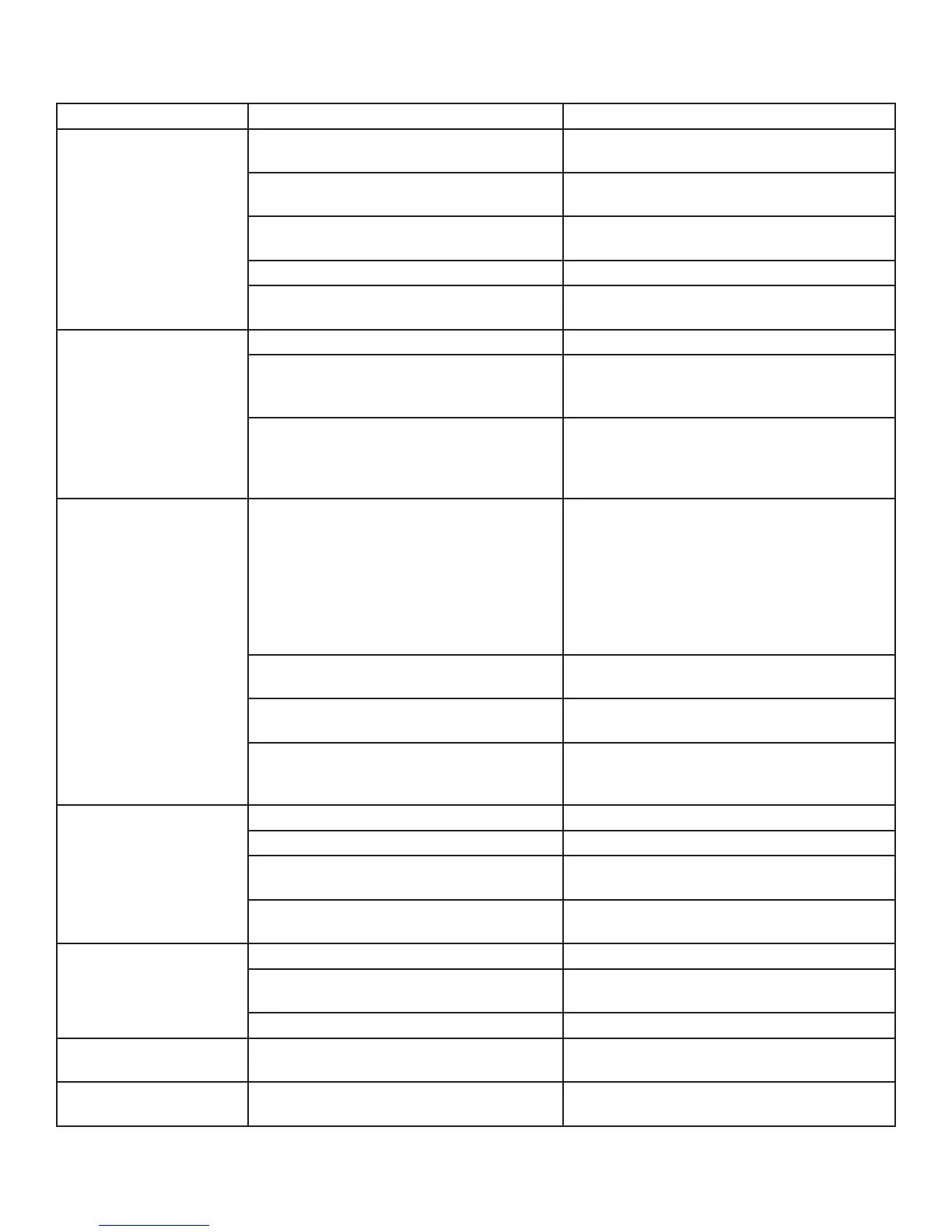
Trouble Possible Cause Possible Solution
No Sound From Any
Channel
Unit not plugged into AC power Check power, plug in to a live unswitched
outlet.
Audio cable not properly connected Check cable connections. Replace cable.
Check if connected to proper inputs.
Matrix Switcher or source Program amp/matrix switcher to send signal to
your input. Select audio format on DVD.
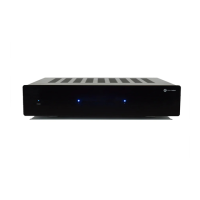
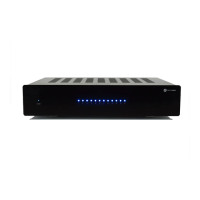
Master Power Switch on rear of amp Place Master Power switch to ON.
Front Power Switch Toggle the Power Switch until the light glows
BLUE. Is 12 Volt Trigger applied?
No Audio from One or
More Channels
Source cable may be faulty Check cable and output from source.
Input Selection switch or Bridge/Normal
switch may be in wrong position.
Verify Normal/Line-In switch is in proper
position. Check Bridge/Normal switch
position. Refer to manual for proper settings.
Speaker Wire or Speaker Check the speaker connections. Make sure
there are no whiskers that could cause a short.
Any short will cause that zone to shut down
both channels.
No Audio from One
Channel or One Zone
Only
Check Front LED Above that Zone If RED you may have a short or bad speaker.
Measure ohms of wire with speaker plug
out. Should read about 6.5ohms for a 8ohm
speaker. Correct problem- replace wire and/
speaker. If using a manual volume control
check the connections and plug locations.
Switch Speaker Plug with a zone that is
working.
Rear zone Level adjustment turned down Slowly increase the level clockwise until ad-
equate level is achieved.
Audio cable not properly connected Check cable connections. Replace cable.
Check if connected to proper inputs
Input Selection Switch or Bridge/Normal
Switch may be in wrong position
Verify Normal/Line-In Switch is in proper
position. Check Bridge/Normal Switch
position. Refer to manual for proper settings.
Hum or Buzz
RCA cable not completely seated. Push in RCA cables completely. Replace cable.
Bad cable. Replace cable.
Improper or No ground Check with a plug tester; Reverse cord; try a 2
prong adapter.
Prewired cable ran too close to AC wires Insert isolation transformer in-line with RCA
jacks.
Hum when Receiver/
Source Off
Level set too high Turn rear Level or Global level down.
Cable TV ground not the same as earth
ground
Insert in-line ground isolator.
Ground Loop Common all grounds, isolate AC ground.
No Audio from Speakers
Improper Connection From Amp to Speakers Check speaker wiring at amp to speakers and
from speakers to amp.
12 Volt Trigger Not
Working
Power Switch on front panel Make sure the Switch is in standby mode
indicated by a RED light. BLUE when triggered.
www.currentaudio.com
1890 Cordell Court, Suite 105., El Cajon, CA 92020 • 866-927-7181
©2014 Current Audio - All Rights Reserved.
Rev. 01, 04/14
12


 To Next Page