11
UNPACKING & INVENTORY
Check shipping carton and machine for damage before unpacking. Carefully remove
packaging materials, parts and machine from shipping carton. Always check for and
remove protective shipping materials around motors and moving parts. Lay out all parts
on a clean work surface.
Remove any protective materials and coatings from all of the parts and the jointer. The
protective coatings can be removed by spraying WD-40 on them and wiping it off with a
soft cloth. This may need to be redone several times before all of the protective coatings
are removed completely.
After cleaning, apply a good quality paste wax to any unpainted surfaces. Make sure to
buff out the wax before assembly.
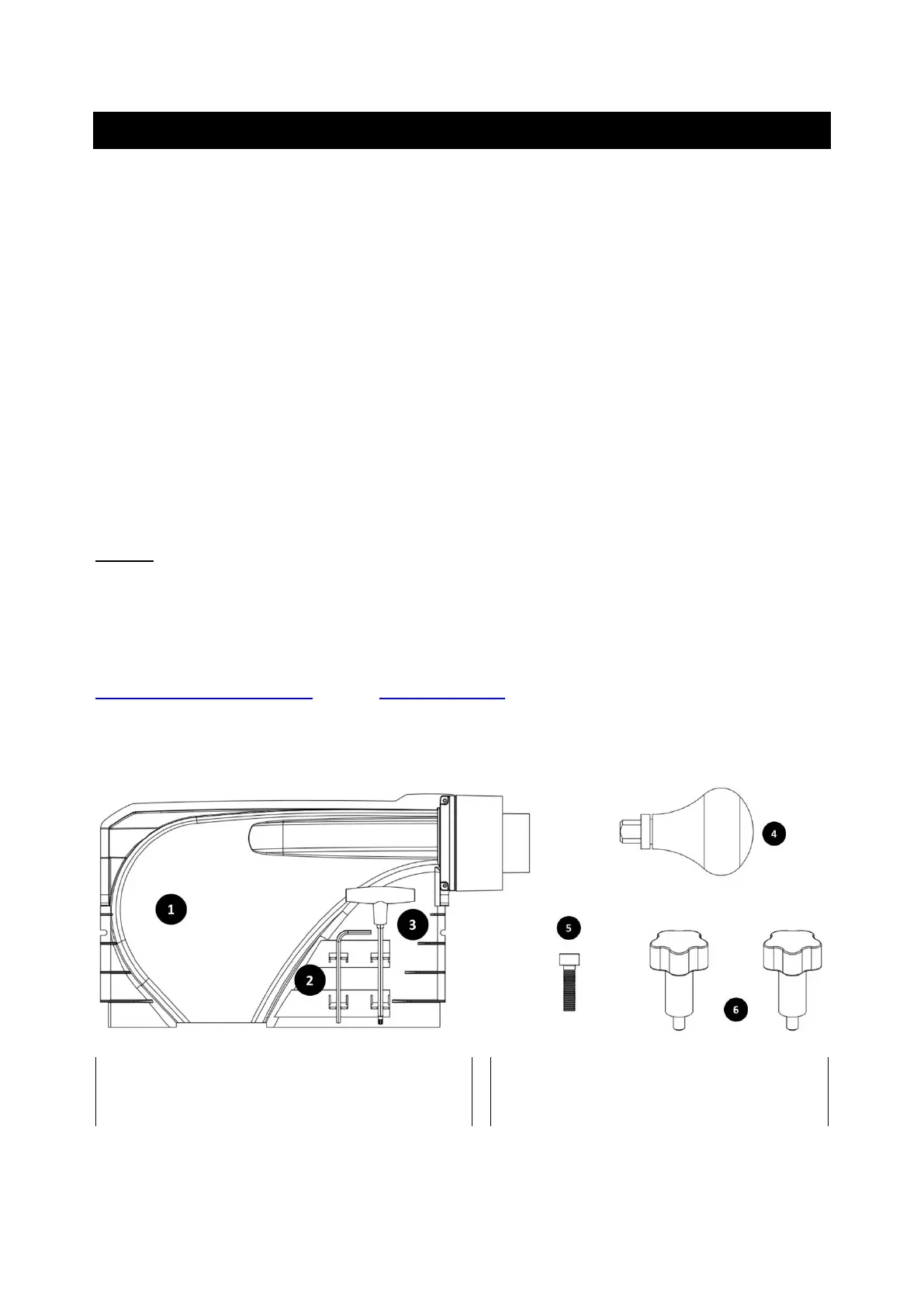
Compare the items to inventory figures and verify that all items are accounted for. If at all
possible, retain shipping carton for warranty service if ever needed.
NOTE: Some parts may already be installed on your machine. Go through the entire
manual before calling.
If any parts are missing, do not attempt to plug in the power cord and turn “ON”
the machine. The machine should only be turned “ON” after all the parts have been
obtained and installed correctly. For missing parts, contact CUTECH by email
support@cutechtools.us or call 858-886-7333.



 To Next Page