12
ASSEMBLY
WARNING! MAKE CERTAIN THAT THE MACHINE IS DISCONNECTED FROM THE
POWER SOURCE.
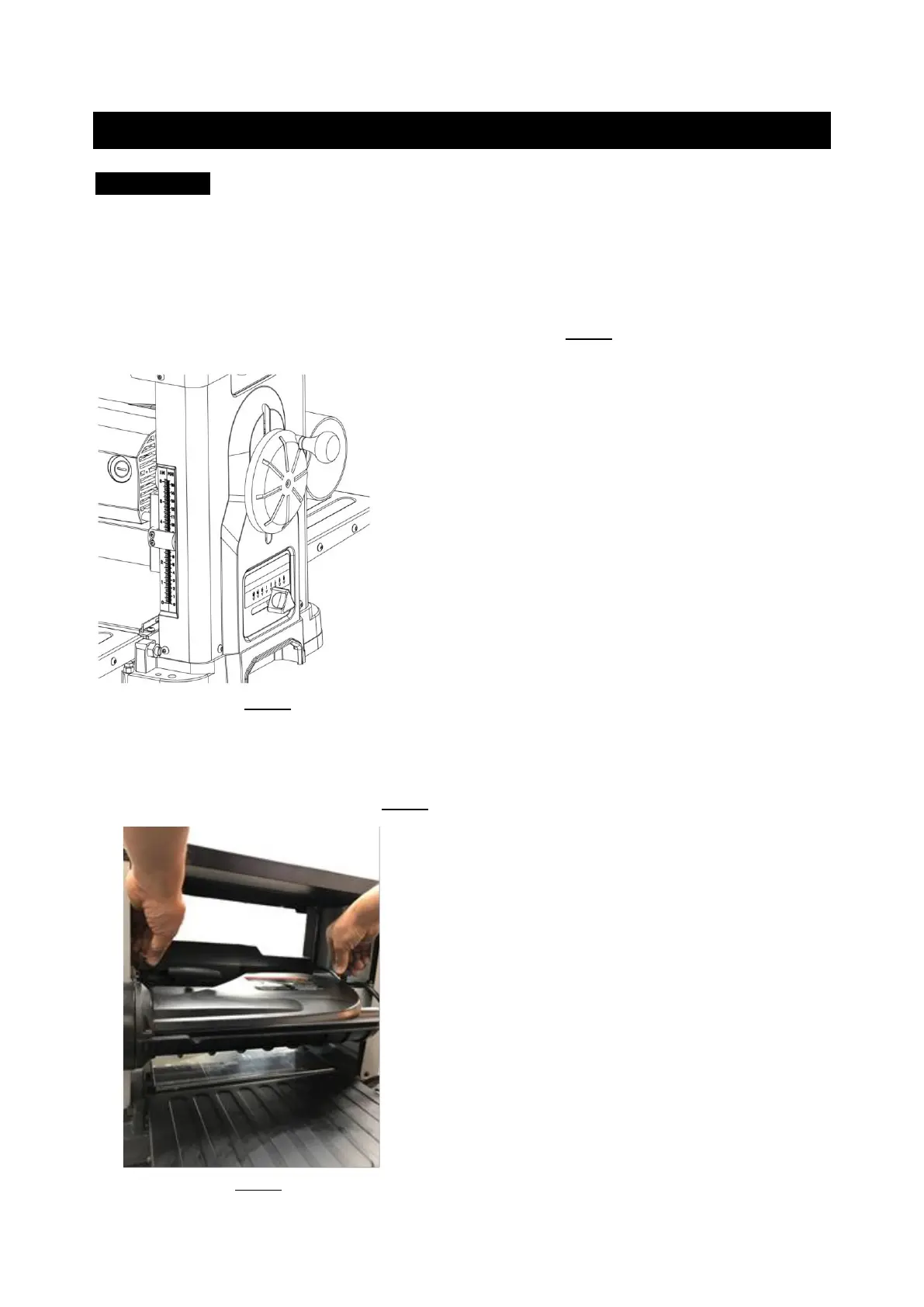
ATTACHING DEPTH ADJUSTMENT HANDWEEL
1. Remove the depth adjustment handwheel by loosening the screw
2. Install the knob on the handwheel by using the provided screw. Then put whole
handwheel assembly over the shaft and tighten. SEE FIG 1.
FIG 1
ATTACHING DUST PORT
1. Facing the rear of the machine, locate the dust port on the cutterhead assembly by
turning 2 dust port knobs. SEE FIG 2.
FIG 2



 To Next Page