19
OPERATIONS (cont.)
REPEAT CUT PRESET
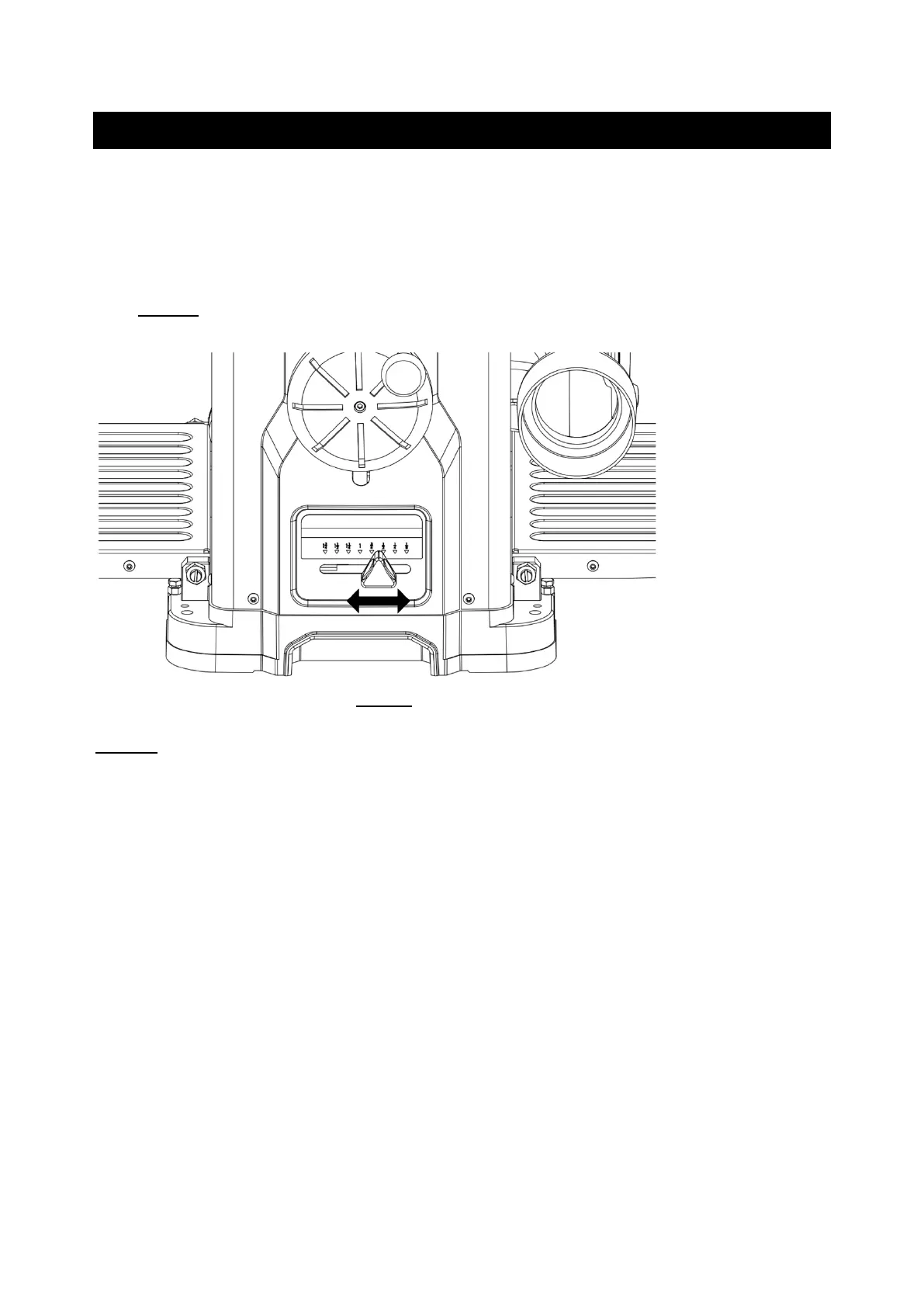
The REPEAT CUT preset, located on the right side of the planer, provides a simple way to
preset the finished thickness of a work piece. The indicator can be set to various
thicknesses. Move the lever to the desired finished thickness. Use this feature when
thickness planing multiple work pieces to ensure a uniform thickness of all work pieces.
SEE FIG 11.
FIG 11
NOTE: When lowering the head assembly, ensure the REPEAT CUT preset is in the lowest
desired thickness position. Failure to do so may result in excess downward pressure by
the cutterhead assembly onto the mechanism and cause damage to the adjustment rod
and upper frame.
GETTING PREPARED
It is always a good idea to use a piece of scrap wood for your first planing attempt. Also,
before each use of the planer, make it a habit of checking for loose fasteners, fittings or
hardware. Turn the planer ON and allow it to reach full speed. Pay close attention to any
excessively loud noises that may be coming from the planer or any excessive vibration. If
either occurs, shut down the planer immediately checking again for loose hardware. Go
through the ASSEMBLY and ADJUSTMENTS sections again if necessary.



 To Next Page