16
Initial Start Up
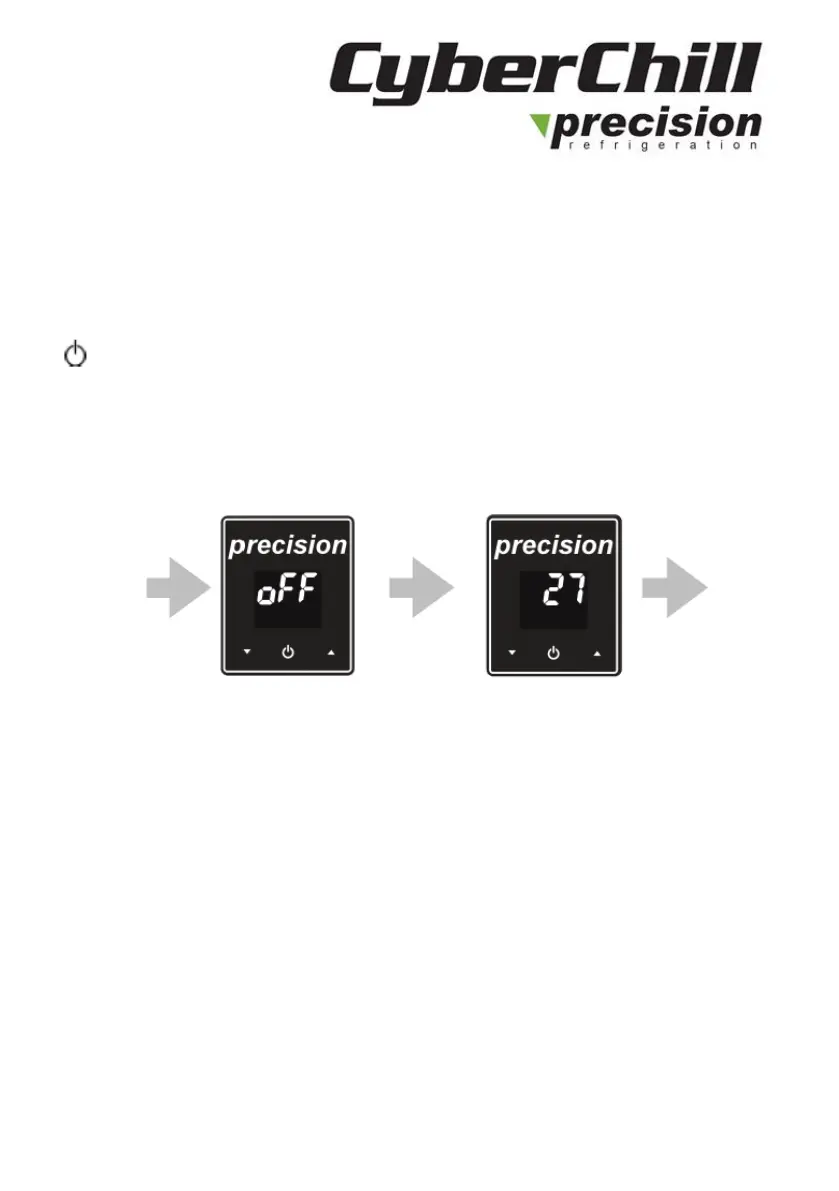
Plug the molded plug into a suitable socket. If necessary, push the
button on the controller to start the unit. The cabinet air temperature
will be displayed once the unit is running. To standby the unit when
running, press and hold the button for 3 seconds.
For example: Current temperature
Checks
After initial start-up and a 3-minute time delay the cabinet should start to
pull down to the preset temperature. Check that the temperature is
reducing and listen inside and outside the cabinet to make sure the fans
are turning freely to check there has been no movement in shipping. If
time permits, stay with the cabinet until the preset temperature is reached



 To Next Page