CyberOptics Corporation 67
Main Electrical Panel
Preventive Maintenance
Cleaning the Encoder Strips
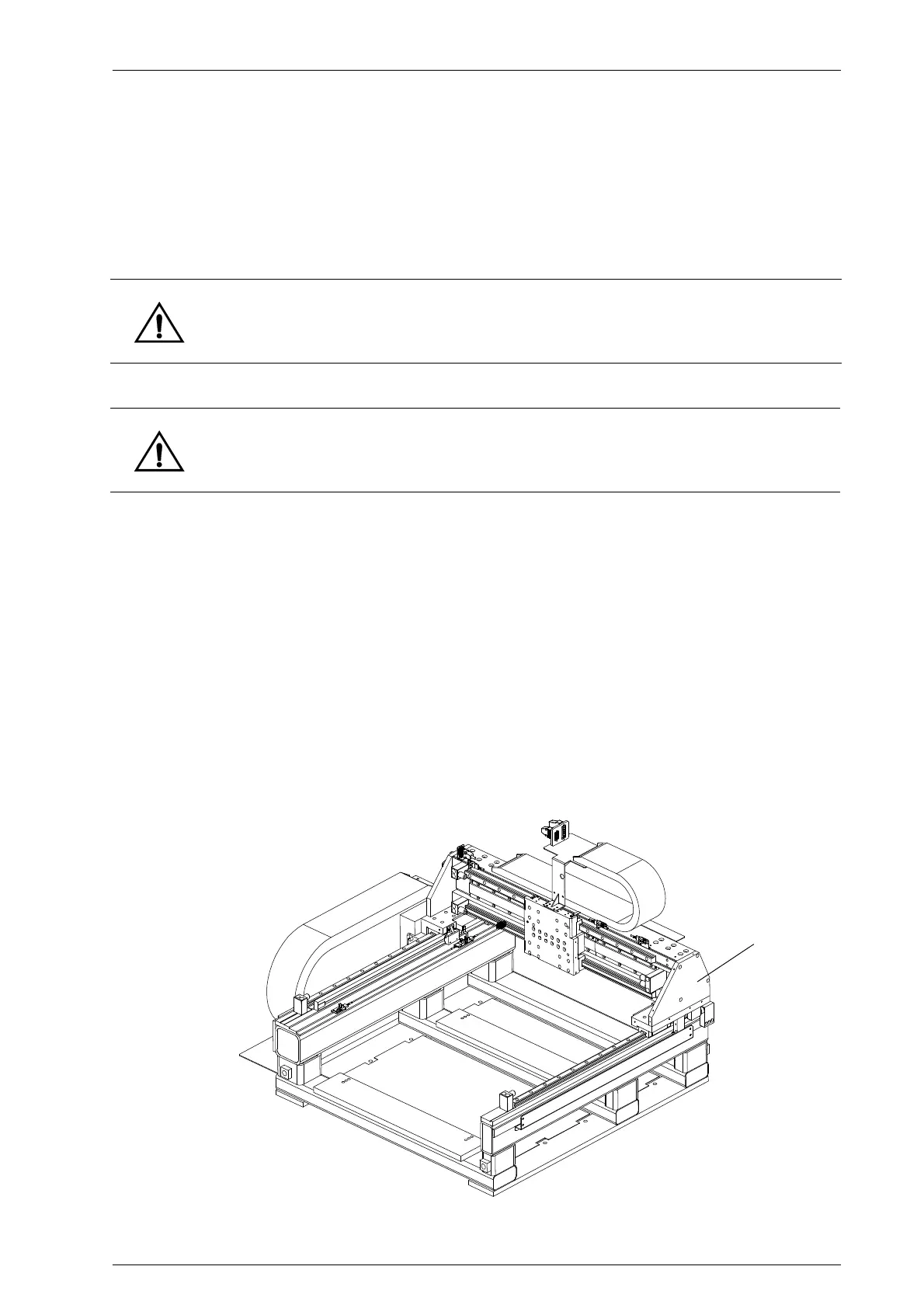
Encoder strips are located on the gantry along the X and Y axes. There are two encoder strips for
the X axis. (Left to right)
➢ To clean the encoder strips
1. Turn off all electrical power to the system. For more information, refer to the section
“Shutting Down the System” on page 50.
2. Open the SE500
CP hood.
3. Make sure all motion has stopped.
4. Locate the encoder strips on the X- and Y-axes.
5. Remove any coarse or abrasive particles with clean, dry, compressed air.
➢ To replace the encoder strips
1. Turn off all electrical power to the system. For more information, refer to the section
“Shutting Down the System” on page 50.
2. Remove all screws on both sides of the stage.
3. Remove t he side plate.
Warning: Make sure the system power is turned off and locked off before working inside the
hood. Gantry motion can pinch or sever objects in its path.
Caution: The encoder strips can be damaged by abrasive substances and solvents. Follow the
procedure below to avoid scratches or other damage to the encoder strips.


 To Next Page