©2021 Cyber Power Systems (USA), Inc. All rights reserved. All other trademarks are the property of their respective owners.
6
ELECTRICAL INSTALLATION
THE INPUT CONFIGURATION
Check that all power is turned OFF, before installing the step down transformer.
IMPORTANT! Make sure the utility circuit breaker feeding the UPS input is in the OFF position.
IMPORTANT! Make sure the UPS is turned off.
IMPORTANT! Verify the input wiring meets the recommended sizing.
OL5KSTF NEMA L6-30P POWER CORD CONNECTION: Connect the NEMA L6-30P input power
cord directly to an outlet on the UPS. Refer to the “CONNECTING A STEP-DOWN TRANSFORMER
TO A UPS POWER MODULE” section in this user manual for instructions.
STEP-DOWN AND ISOLATION
TRANSFORMERS WITH HARDWIRE
INPUT TERMINAL BLOCK
WIRING AWG WIRING mm
2
SCREW
TORQUE lbf-in
OL5KSTF 10 AWG 5.5 mm
2
18 lbf-in
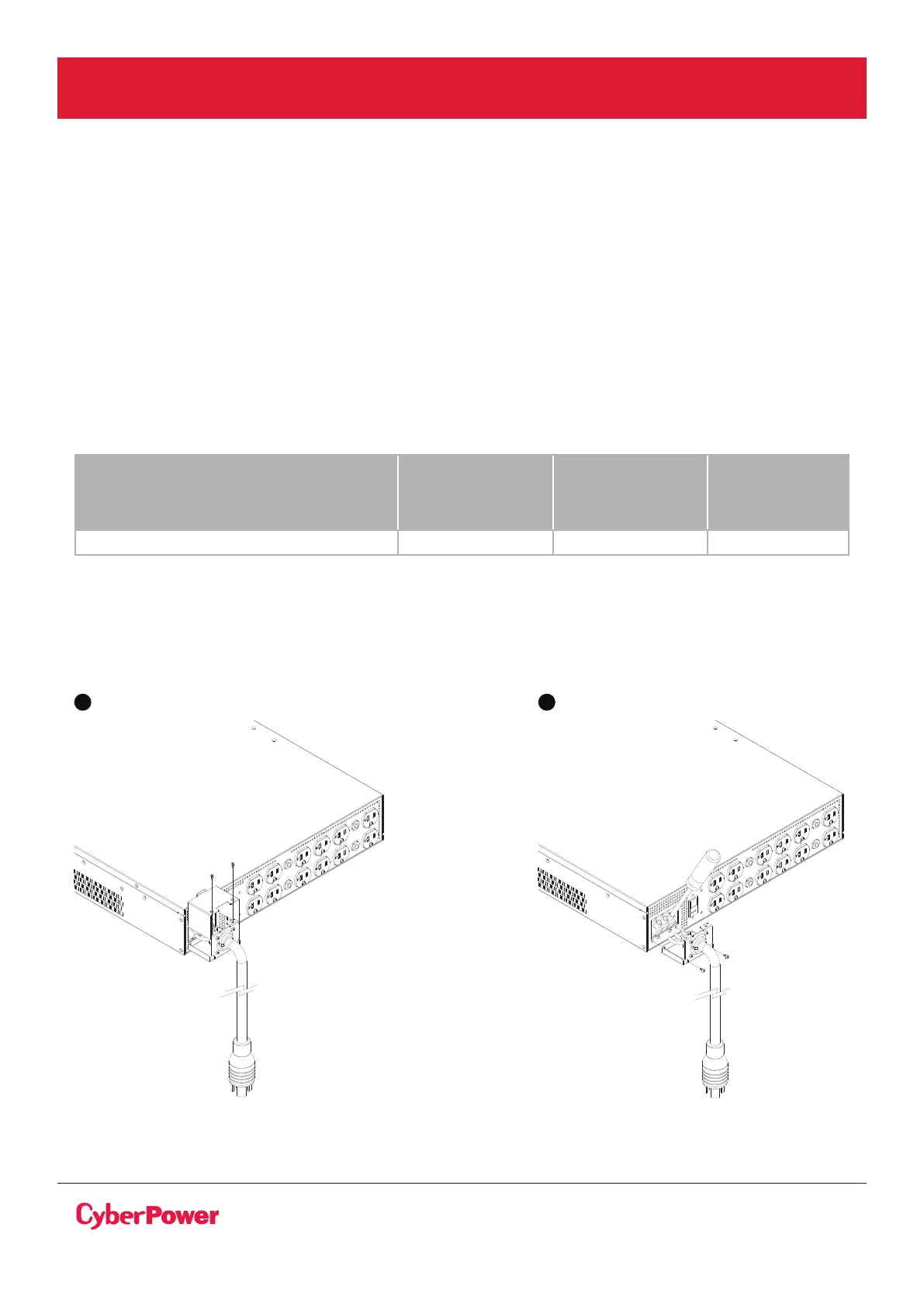
OL5KSTF ELECTRICAL CONNECTION: Please see the instructions as shown below.
Check wiring dimensions with the following table.
1. Remove the top section of the input terminal cover by removing the top two screws.
2. Remove the bottom section of the input terminal cover by removing the bottom two screws.
1 2



 To Next Page